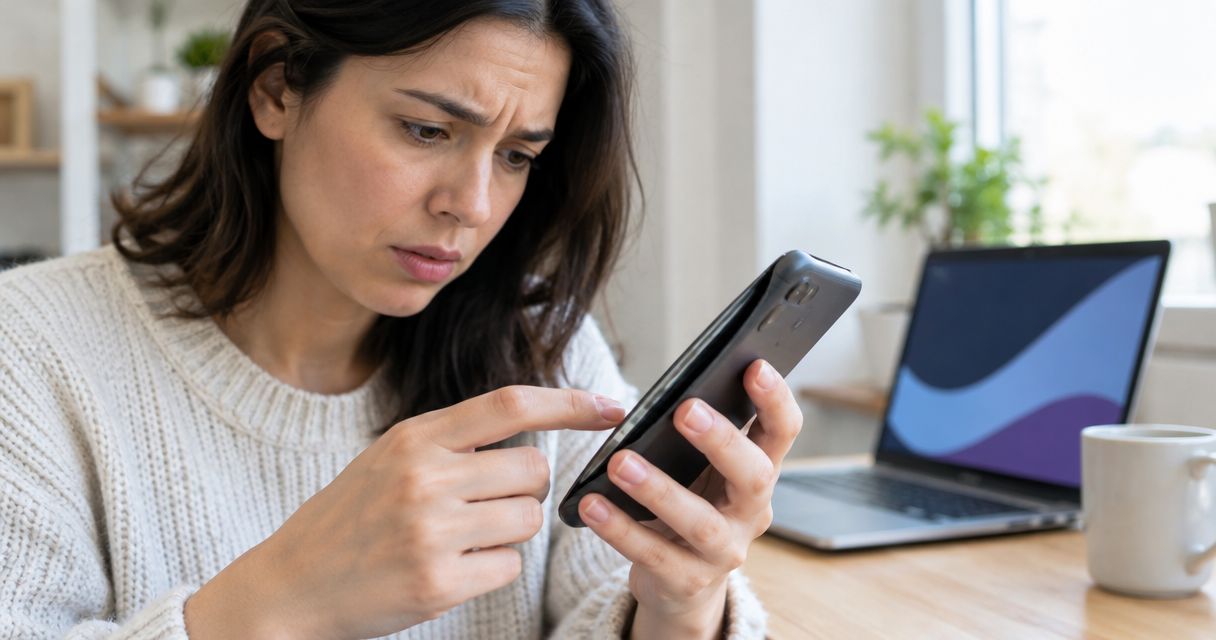
No, it is not safe to keep using a phone with a swollen battery: stop using it, stop charging it, and arrange professional assessment. Swelling signals battery damage, and continued use introduces a fire risk. If the phone is smoking, hissing, rapidly heating, or leaking, move away, keep others away, and call 911 from another device.
- Is it safe to use a phone with a swollen battery? No: stop using and charging it.
- A lifting screen or separating back cover needs assessment; do not press either panel back into place.
- Smoke, hissing, or rapid heating means move away and call 911 from another device.
- Aspect Phone Solutions suits Edmond and OKC customers seeking appointment-based smartphone repair with pricing confirmed before authorization.
Why this matters
A swollen battery is not just a shorter-battery-life problem. Gas building up inside a damaged lithium-ion battery can push against the screen and housing. Charging, pressure, heat, or a puncture can make the situation worse.
Treat suspected swelling as a stop-use condition, not a reason to finish your next call. You do not need to prove that the battery caused the separation before stopping use. A technician can investigate the cause without you repeatedly powering the phone on.
For local assessment, Aspect Phone Solutions offers appointment-based smartphone repair for Edmond and the wider Oklahoma City area. Tell the service provider about suspected swelling before arranging a visit; an appointment is not permission to keep using the phone until then.
Is it safe to use a phone with a swollen battery?
No. A swollen phone battery should not remain in use, even when the phone still works normally. A working screen, normal call quality, or a remaining charge does not establish that the battery is safe.
Use this 2026 decision checklist to separate an immediate emergency from a device that needs professional assessment. These signs guide your next action; they do not certify a battery as safe.
| What you notice | What it means for your decision | What to do |
|---|---|---|
| Screen or back cover lifting, with no active warning signs | Suspected swelling still requires a stop-use response | Stop use and charging; contact a repair provider from another device |
| Phone still works despite visible swelling | Normal operation does not rule out battery damage | Do not keep calling, browsing, or charging |
| Smoke, hissing, rapid heating, or leakage | Treat the device as an immediate hazard | Move away, keep others away, and call 911 |
| Separation after a drop, with the cause unclear | You cannot safely diagnose the cause by pressing the phone together | Stop use and arrange assessment |
There is no dependable safe-use countdown for a visibly swollen battery. Do not assume you have until tonight, until the battery empties, or until your next appointment. The useful decision is whether to stop using it, and the answer is yes.
Stop use before you troubleshoot
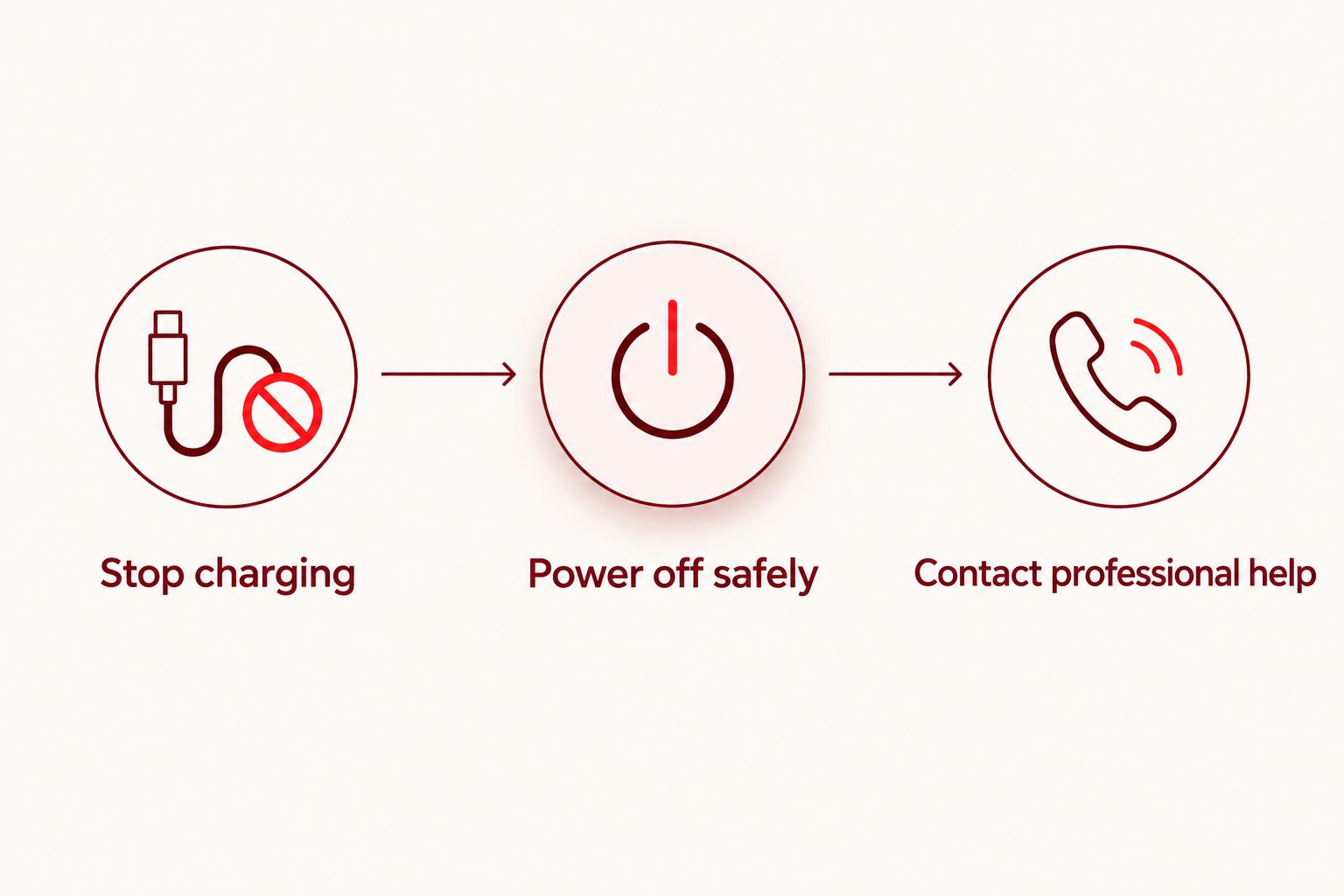
- Stop charging. If you can disconnect power safely without approaching a hot, smoking, or damaged device, do so. Do not handle an actively failing phone to reach its cable.
- Power off safely. If the phone has no active warning signs and shutting it down does not require squeezing the housing, switch it off. Do not force buttons or press on a lifted screen.
- Leave the housing alone. Do not remove a tight case, pry off the back, or push the screen flat. Avoid anything that compresses or bends the battery.
- Contact professional help. Use another device to explain the swelling and ask how the phone should be assessed and handled.
Powering off is a risk-reduction step, not a repair. A damaged battery remains damaged when the display goes dark, so do not put the phone back in your pocket afterward.
What are the signs of a swollen phone battery?
A lifting screen, a separating back cover, or a new bulge in the housing can indicate battery swelling. These changes deserve attention even if the phone charges and responds normally.
Look without pressing, opening, or repeatedly handling the phone. If the device is already sitting somewhere safe, you do not need to pick it up to inspect every edge.
- A new gap: The screen or back panel no longer sits flush with the frame.
- A raised panel: Part of the screen or back cover lifts away from the body.
- A distorted housing: The phone develops an unusual bulge or altered shape.
- Pressure-related damage: A screen separates or cracks without an obvious new impact.
These observations are not a home diagnosis. A broken adhesive seal or impact damage can also cause separation. Uncertainty about the cause is a reason for assessment, not a reason to keep charging.
Ordinary battery wear is different from visible swelling. A phone that loses charge faster has a performance issue to investigate; a phone whose battery appears to be changing its shape needs a stop-use response.
Why swollen-battery risk varies
Swelling does not reveal exactly when a battery will fail. The danger depends on the battery's condition and what happens to it next. Do not use a small bulge or a cool exterior as reassurance.
- Charging: Adding energy to a damaged battery creates an avoidable risk. Disconnect safely rather than testing another charger.
- External heat: Direct sunlight, a hot car, and nearby heaters add heat exposure. Do not leave a damaged phone on a dashboard.
- Pressure: A pocket, tight case, bag full of belongings, or an attempt to flatten the screen can compress the battery.
- Puncture or bending: Opening the housing or using tools near the battery can damage its protective layers.
- Active warning signs: Smoke, hissing, leakage, or rapidly increasing heat changes the response from repair planning to emergency action.
A battery's age alone does not settle the question. Neither does the size of the gap. The practical rule for 2026 remains the same: stop use when swelling is suspected and let a qualified repair provider assess the device.
Should you repair the phone or replace it?
Have the damage assessed before choosing battery replacement, whole-phone replacement, or recycling. The battery can put pressure on other components, so restoring power is not the only concern.
For a repair decision in 2026, ask what damage is present and whether the phone can return to safe use. Do not compare options solely on whether the screen still turns on.
| Option | Best for | Benefit | Limitation |
|---|---|---|---|
| Professional battery replacement | Phones assessed as suitable for repair | Keeps the existing phone in service when the repair is appropriate | Other damage can require additional work |
| Whole-phone replacement | Phones whose overall condition does not justify repair | Avoids relying on the damaged device | Account access and data transfer still need planning |
| Approved battery or electronics recycling | Phones you will not repair or reuse | Keeps a damaged battery out of household waste | The receiving facility must confirm it accepts damaged batteries |
Ask the provider to distinguish necessary work from unrelated repairs. A lifted screen does not automatically mean the screen needs replacing, but it also does not prove the screen escaped damage.
Aspect Phone Solutions is best for Edmond and OKC customers seeking appointment-based smartphone repair with pricing confirmed before authorization. The scheduling constraint matters: service is by appointment, not walk-in. Arrange the visit and discuss the suspected battery damage before bringing the device in.
Ask these questions before authorizing work:
- Is the battery swollen, or is another fault causing the separation?
- Has pressure damaged the screen, frame, or other components?
- What work is necessary before the phone can return to use?
- What is the confirmed price for the proposed work?
- How will the damaged battery be handled after removal?
Arrange a phone repair appointment
Describe the suspected swelling first. Service is by appointment, with pricing confirmed before authorization.
Where should you keep the phone while arranging help?
If the phone has no active warning signs, is already powered off, and can be handled safely, keep it on a stable, nonflammable surface away from combustible materials. Keep children and pets away. Do not leave it on a bed, couch, paper pile, or near an exit where an incident could block your escape.
Do not move a smoking, hissing, leaking, or rapidly heating phone to improve its storage location. Your safety comes before relocating the device. Move away and call emergency services instead.
Avoid makeshift fixes. Do not put the phone in a freezer, submerge it in salt water, puncture the battery, or tape the housing shut. None of those actions repairs the damaged cell, and handling or compressing it introduces additional hazards.
Temporary storage is not a disposal plan. Contact the repair provider or an appropriate local collection facility and describe the battery as swollen or damaged, rather than simply calling it an old phone.
Can you charge a swollen phone battery just once?
No: do not charge a phone with a swollen battery, even for a brief call or backup. Charging is not a safe test of whether the battery still works. Wireless charging is not an alternative; it still supplies energy to the same damaged battery.
Use another phone for urgent communication. If you need access to messages or accounts, investigate existing cloud copies from another device rather than reconnecting the swollen phone.
Can you back up a phone with a swollen battery?
Do not power on or charge a swollen phone solely to create a backup. Check existing cloud backups, synced photos, and account access from another device. Some information already exists outside the damaged phone, depending on your settings.
Tell the repair provider if data recovery is a priority before authorizing work. Explain whether the phone holds your only copy of important information or your usual account-verification method. Safe assessment comes before attempts to retrieve files.
Can you drive a swollen phone to a repair shop?
Contact the receiving repair provider before transporting a phone with a swollen battery. Describe its condition and follow the provider's handling instructions. Do not transport a device that is smoking, hissing, leaking, or rapidly heating; treat those signs as an emergency.
In Edmond and OKC, avoid leaving the damaged phone in a parked vehicle while you run errands. Do not mail it or take it onto an aircraft as an alternative to arranging local help. Damaged lithium-ion batteries have transport restrictions.
What should you do with a swollen battery you will not repair?
Do not place the phone or its battery in household trash or curbside recycling. Damaged lithium-ion batteries need an appropriate collection route because crushing and mishandling can cause fires.
For disposal in 2026, ask the receiving facility whether it accepts swollen or damaged lithium-ion batteries specifically. A general electronics collection program does not automatically accept damaged batteries. Follow its instructions rather than removing the battery yourself or leaving the device at an unattended collection point.
If the phone begins showing active warning signs while you are arranging disposal, stop handling it. A recycling appointment does not replace an emergency response.
FAQ
Is it safe to use a phone with a swollen battery if it still works?
No, a phone with a swollen battery is not safe to keep using even if it still works. Stop using and charging it, and arrange professional assessment.
Can I use wireless charging with a swollen battery?
No, wireless charging still charges the damaged battery. Do not use either wired or wireless charging when swelling is suspected.
Is a swollen phone battery an emergency?
Smoke, hissing, rapid heating, or leakage requires an immediate emergency response. Move away, keep others away, and call 911 from another device; swelling without those signs still requires stopping use.
Can I push a lifted phone screen back into place?
No, do not press a lifted screen back into place when battery swelling is suspected. Pressure can damage the battery, and closing the gap does not fix the cause.
Will replacing the battery fix the whole phone?
Battery replacement does not automatically resolve all damage. A technician needs to assess the screen, housing, and other affected components before recommending repair.
Can Aspect Phone Solutions assess my phone in Edmond or OKC?
Aspect Phone Solutions offers appointment-based smartphone repair for Edmond and the wider Oklahoma City area. Describe the suspected swelling before arranging a visit; pricing is confirmed before authorization.
Can I throw a swollen phone battery in the trash?
No, do not put a swollen phone battery in household trash or curbside recycling. Contact a facility that accepts damaged lithium-ion batteries and follow its handling instructions.
One last thing
A case can hide the change you most need to notice. If a phone suddenly fits its case differently or develops a separating panel, do not squeeze it back into place to make it look normal. Stop use and report the change.
For your 2026 repair appointment, explain what you observed, whether the phone was charging, and whether it showed heat, smoke, noise, or leakage. Those observations help communicate the problem without turning the phone on again. Never recreate a symptom just to demonstrate it.


