
Phone repair for seniors is the inspection and repair of a smartphone with the aim of keeping everyday communication familiar and dependable. This 2026 guide helps you arrange service in Edmond or Oklahoma City, protect personal information, and decide whether fixing your current phone makes more sense than replacing it.
- For phone repair for seniors OKC, choose an appointment and confirm the repair total before authorizing work.
- Aspect Phone Solutions phone repair suits seniors seeking appointment-based service in Edmond and the wider Oklahoma City area.
- Back up your phone, arrange a backup contact method, and explain which everyday tasks have stopped working.
- Repair preserves a familiar device; replacement makes sense when the phone no longer meets your needs.
Why phone repair matters for seniors
A familiar phone holds more than contacts. It also holds the routines you use to answer calls, read messages, open directions, and sign into accounts. Replacing it means checking those routines again, not just moving a phone number.
Aspect Phone Solutions phone repair is best for seniors seeking appointment-based service in Edmond and the wider Oklahoma City area. Start with Aspect Phone Solutions if arranging a visit suits you better than arriving without an appointment. Prices are confirmed before authorization; service is by appointment rather than walk-in.
Your 2026 repair decision should account for transport, account access, and how you will communicate while the phone is away. If a family member helps, agree on their role beforehand. You remain the person who approves the work and decides what information to share.
The useful question is not simply whether a phone can be fixed. It is whether the proposed repair restores the functions you rely on without creating an account-access or communication problem.
How to arrange a phone repair without unnecessary stress
1. Describe the problem in everyday language
Start with what you see, hear, or cannot do. You do not need to identify the broken part. A phone that will not charge needs assessment, not an assumed charging-port replacement.
Write down 2 examples of the problem, such as missed calls despite the ringer being on or a screen that ignores taps near the edge. Explain when each happens and whether it began after a drop, liquid exposure, or a change to settings.
Check simple settings only when the phone is safe to handle. If the phone is swollen, unusually hot, or visibly separating at the screen, stop charging it and seek professional handling instructions. Do not press the screen back into place.
- Describe the exact task that fails: calling, charging, reading, or taking pictures.
- Note whether the problem happens constantly or intermittently.
- Mention drops, moisture, and previous repairs without guessing their effect.
- Bring relevant accessories only after confirming what the repair provider needs.
- Ask for an explanation in plain language rather than accepting an unfamiliar part name.
2. Protect your information and plan account access
Use the phone's built-in backup tools before arranging repair, if the screen and controls still work. Check the backup status rather than assuming that photographs and contacts have already been saved.
For your 2026 repair plan, choose 1 trusted contact who knows how to reach you without relying on the damaged phone. That person can help with transport or appointment details without taking over your accounts.
Some sign-ins depend on a code sent to the same phone you are handing over. Check your account recovery options beforehand. Do not erase the phone or remove accounts unless the repair provider explains why the proposed work requires it.
- Confirm that important contacts and photographs are backed up.
- Check that you know your own account sign-in details.
- Identify another way to receive essential calls or messages.
- Ask whether testing requires the phone to be unlocked.
- Keep account passwords and banking credentials private.
3. Arrange an appointment that fits your day
Contact the repair provider before traveling. Give the phone model, describe the problem, and ask what the initial visit involves. Find the model in the phone's settings, original paperwork, or packaging if you have it; do not guess from its appearance.
Aspect Phone Solutions provides appointment-based smartphone repair for customers in Edmond and the wider Oklahoma City area. Use that arrangement to clarify the visit before organizing a ride. It does not establish a completion time: ask whether the phone will stay with the provider and when you will receive an update.
If timing is your main concern, review the guide to appointment-based phone repair services in OKC. Then confirm the details for your own device directly.
- Confirm the appointment location and time before leaving.
- Ask whether the visit is for inspection, repair, or both.
- Explain transport constraints when arranging collection.
- Ask how updates will reach you while your phone is away.
- Confirm whether a trusted companion can attend with you.
4. Confirm the scope before authorizing work
Ask the provider to explain the diagnosis, the proposed work, and what will remain unresolved. A cracked screen and short battery life are separate complaints; fixing one does not automatically address the other.
Approve a defined repair, not an open-ended instruction to fix everything. At Aspect Phone Solutions, prices are confirmed before authorization. Make sure you understand the total and the work it covers before you agree.
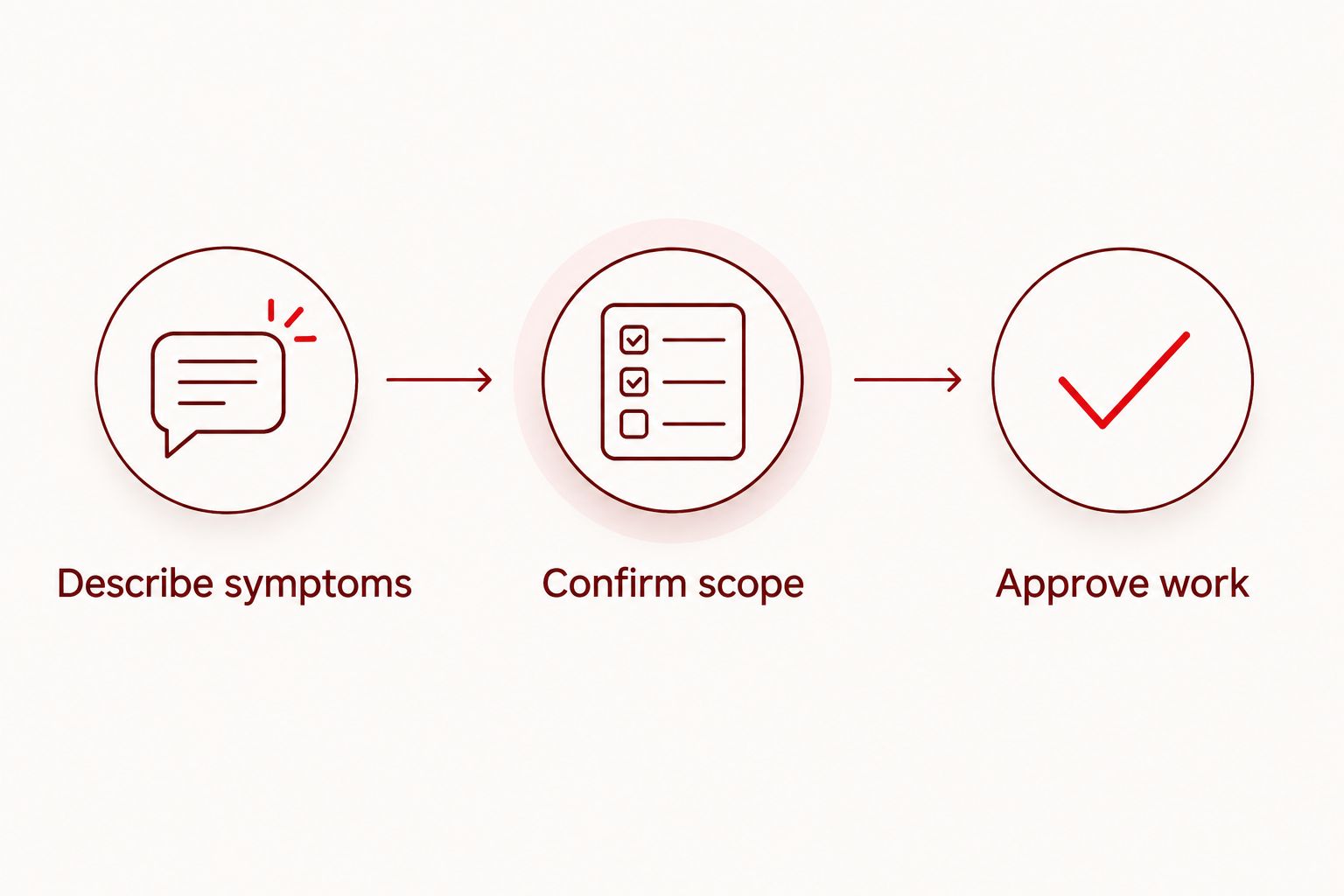
Use a simple sequence: describe symptoms, confirm scope, approve work. Request another explanation whenever a term is unclear. You should be able to restate the proposed repair in your own words without needing a technical vocabulary.
- Describe symptoms before discussing replacement parts.
- Confirm scope, including which functions the repair addresses.
- Approve work only after the repair total is explained.
- Ask what happens if inspection reveals an additional problem.
- Request permission to be sought before any additional work proceeds.
5. Compare repair with keeping or replacing the phone
Start with the phone you already understand. If it otherwise meets your needs, repairing a specific fault avoids the task of learning a different device. Familiarity is a legitimate decision factor, not a reason to accept any repair proposal.
Replacement deserves consideration when your current phone no longer supports the tasks you need, or when the proposed repair does not resolve your main complaint. Check the manufacturer's current software-support information for your exact model rather than judging support from appearance alone.
Compare the whole change, including account access, readable text, accessories, and setup help. A different phone is not automatically easier to use. Try its basic controls before deciding, and ask who will help transfer your information.
- List the functions your current phone still handles well.
- Check whether the proposed repair addresses your main problem.
- Compare written repair details with the replacement process.
- Check software support for the exact model.
- Decide who will help with setup if you change phones.
6. Test the repaired phone before settling back in
Ask how collection and testing will work before you leave the phone. When you receive it back, check the function that prompted the repair and the everyday tasks that matter to you. Explain any remaining problem clearly rather than assuming you need to learn to live with it.
Test 3 everyday tasks: make a call, read a message, and open a familiar app. Add checks related to the repair, such as touch response after screen work or charging after a charging complaint.
If a companion attends, ask them to help you check functions rather than operate everything for you. You need to know the phone works for your own routine. Keep the repair paperwork so you can describe the work accurately if you contact the provider again.
- Test the original problem while it is fresh in your mind.
- Check call sound, message readability, and basic touch controls.
- Confirm that important contacts remain accessible.
- Ask how to report a problem after collection.
- Keep the repair description and any care instructions together.
Arrange your phone repair appointment
Describe the problem and confirm the proposed work before authorizing a repair.
Compare your phone repair options in 2026
Choose an option by the problem and the support you need, not by age alone. Someone comfortable checking settings needs a different starting point from someone whose screen no longer responds.
The options below are decision paths, not guarantees of repair outcomes. Confirm the details for your model before handing over the phone or arranging travel.
| Option | Best for | Main advantage | Key limitation |
|---|---|---|---|
| Basic self-checks | A settings problem on a safely functioning phone | You can check volume, text size, and other familiar controls yourself | Settings changes do not repair broken hardware |
| Aspect Phone Solutions | Seniors seeking appointment-based repair in Edmond or the wider OKC area | You arrange service in advance and confirm prices before authorization | Service is by appointment, not walk-in; confirm timing for your device |
| Manufacturer support | Questions about model-specific settings, support, or service eligibility | Information is specific to the phone maker and model | Service arrangements and eligibility require confirmation |
| Phone replacement | A phone that no longer meets your everyday needs | You can choose a device around your current requirements | Accounts, information, and familiar routines need setup again |
If you cannot identify the problem safely, seek an assessment rather than repeating online fixes. If replacement is the better fit, include the setup process in your decision. The device is useful only when you can make calls, read messages, and access your accounts confidently.
Common phone repair mistakes seniors should avoid
Treating repair as a walk-in errand
An unconfirmed visit creates unnecessary transport and scheduling problems. Appointment-based service requires an arranged visit, even when the problem seems simple. Confirm the location, purpose of the visit, and update method before you leave home.
Letting a helper make every decision
A relative or caregiver can help explain symptoms and take notes, but that does not make them the owner of your decision. State who can approve work and receive updates. Ask the provider to explain the proposal directly to you in language you understand.
Sharing passwords without asking why
A screen passcode and an account password serve different purposes. Ask what testing requires and whether you can unlock the phone yourself. Do not hand over banking credentials or accept a vague request for all your passwords.
Assuming the repair fixes unrelated difficulties
Hardware repair does not automatically change text size, account settings, or an unfamiliar app. Separate physical faults from usability questions. For a 2026 repair visit, write both down and ask which issues the proposed work actually covers.
FAQ
What's the best way to arrange phone repair for a senior in OKC?
Arrange an appointment, describe the symptoms, and confirm the proposed work before authorizing repair. Aspect Phone Solutions offers appointment-based smartphone repair for customers in Edmond and the wider Oklahoma City area.
Can I walk into Aspect Phone Solutions without an appointment?
Aspect Phone Solutions provides service by appointment rather than walk-in. Contact the business to arrange your visit before organizing transport.
Should I repair my familiar phone or replace it?
Repair is the better starting point when the phone still meets your needs and a specific fault is the main problem. Compare the proposed repair with replacement, including account transfer, software support, and learning different controls.
Do I need to back up my phone before a repair?
Back up your phone before repair if it is safe to use and the controls still work. Check that important contacts and photographs are included, and tell the repair provider if damage prevents you from completing a backup.
Can a family member help me at the appointment?
Ask the repair provider whether a family member or trusted companion can attend. Agree beforehand on whether that person will take notes, receive updates, or help explain symptoms; you should still understand and approve the work.
Will a phone repair fix small text and quiet calls?
The answer depends on whether the cause is a setting or a physical fault. Check text-size and volume settings first when the phone is safe to use, then describe any remaining problem during the assessment.
What should I check when I get my phone back?
Check the original fault and the everyday functions you rely on before returning to normal use. Make a call, read a message, open a familiar app, and ask how to report any remaining problem.
One last thing
Before your 2026 repair appointment, put your backup contact method on paper rather than storing it only in the damaged phone. Include the person arranging your ride and the way the repair provider should reach you.
That small preparation addresses an easy-to-miss problem: the device holding your appointment details is also the device you are handing over. Keep the paper with your repair notes so you can manage the visit without depending on a working screen.


