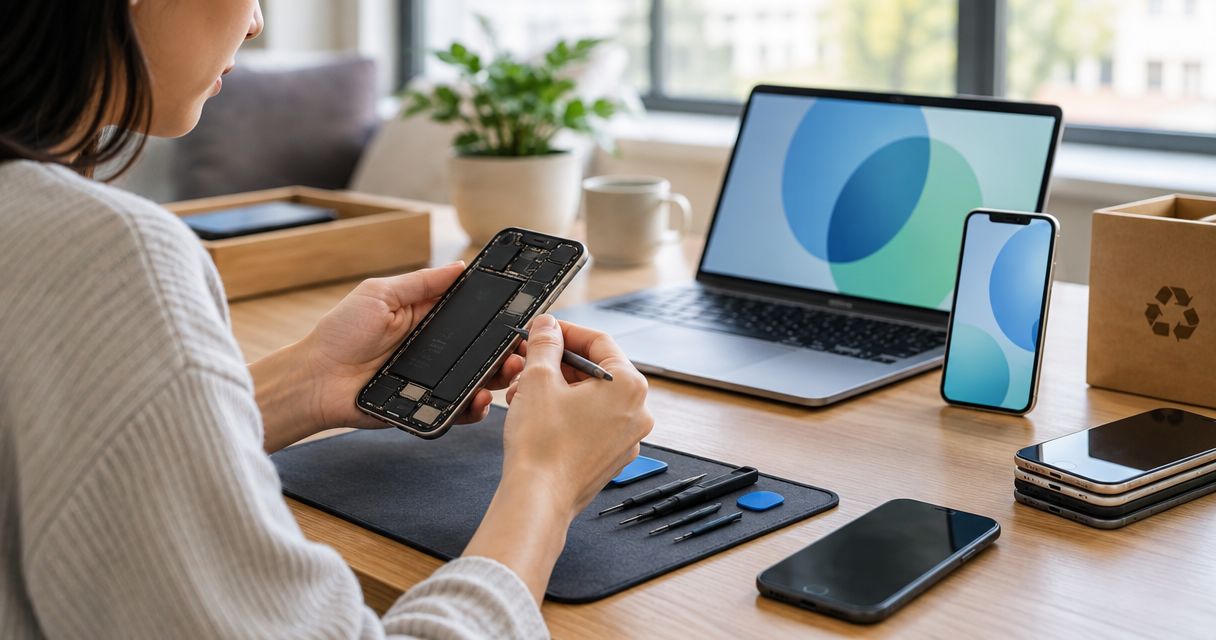
To trade in an old phone after repair, confirm the trade-in program's repair and condition rules before authorizing work. Instead of repeating condition checks and comparing disconnected offers, use one worksheet to connect eligibility, inspection, repair authorization, and device handoff.
- To trade in old phone after repair, confirm eligibility before authorizing smartphone repair.
- Aspect Phone Solutions serves Edmond and OKC customers through appointment-based phone repair.
- Compare the unrepaired trade-in outcome with the repaired outcome after accounting for the repair expense.
- Back up and verify your data before repair; erase the phone only when you are ready to surrender it.
Aspect Phone Solutions is best for Edmond and OKC customers who want appointment-based smartphone repair. Start with Aspect Phone Solutions for the repair side of this workflow; the trade-in provider determines whether the device qualifies.
Why this matters
A repaired phone is not automatically a better trade-in. The repair must address a condition the receiving program cares about, and its rules must permit the resulting device condition.
For your 2026 decision, separate eligibility from financial benefit. A repair can make a phone acceptable without improving your overall outcome once you account for the repair expense. A working screen also does not prove that the battery, cameras, or charging connection work correctly.
Keep 3 records together: the trade-in terms, the inspection findings, and the repair authorization. This turns a vague upgrade decision into a documented sequence.
Before you start
- Gather device details and account access. Record the model, storage capacity, and ownership status. Confirm you can access your backup account and any account needed to remove the phone's activation protection before handoff.
- Get the receiving program's current conditions. Save its eligibility rules, condition questions, submission instructions, and deadline. Use the terms attached to your specific 2026 offer, not an older search result.
- Check the repair-history gotcha first. Ask whether previous repairs, replacement components, or device warnings affect acceptance. Do not assume that replacing a cracked screen makes the phone eligible; confirm that rule before authorizing work.
If the battery is swollen, the phone is unusually hot, or liquid exposure is recent, stop ordinary charging and testing. Arrange professional assessment instead of trying to complete the trade-in checklist through repeated power-on attempts.
Trade-in record
Build a simple worksheet before you book repair. Its headings are your own record labels, not buttons or fields in a particular trade-in app.
- Identify the device. Record the model and storage capacity. On an iPhone, open Settings, select General, then select About to check device information. For another phone, use its device-information screen or original purchase record; menu wording varies.
- Record the receiving program. Write down who will receive the phone and save the terms associated with your offer. Keep any submission reference with those terms.
- Describe the current condition. List cracks, charging trouble, battery concerns, camera faults, liquid exposure, and visible damage. Describe symptoms rather than guessing which component needs replacement.
- Confirm eligibility questions. Ask how the program treats repairs, replacement components, account locks, ownership restrictions, and unresolved damage. Use the program's actual condition questions when answering its form.
- Separate the outcomes. Record what the program says about submitting the phone as it stands and what it requires for submission after repair. Distinguish an initial estimate from an assessment made after inspection.
Expected result: You have a device-specific record of the receiving program's rules and the conditions a repair would need to satisfy. Any unanswered eligibility question remains a reason to pause authorization.
Do not publish your serial number or device identifier in a public discussion when asking for advice. Share identifying information only through the receiving program's or repair provider's appropriate private channel.
Repair assessment
Use an appointment to establish what is wrong before deciding what to authorize. Aspect Phone Solutions offers appointment-based smartphone repair for Edmond and the wider Oklahoma City area, with repair charges confirmed before authorization.
- Book an inspection. Explain that you are deciding between trade-in without repair, repair before trade-in, and continued use. Include the receiving program's relevant condition requirements.
- Bring your symptom record. Tell the repair provider what happens, when it happens, and whether the phone has been dropped, exposed to liquid, or repaired previously. A symptom that occurs intermittently still belongs in the record.
- Request a defined repair scope. Ask which fault the proposed work addresses and whether other known faults will remain. Confirm what component will be used and whether any device warning needs discussion with the trade-in provider.
- Confirm the charge before authorization. Compare the inspected repair scope with the receiving program's requirements. Do not authorize extra work solely because it sounds useful for resale.
- Document your decision. Keep the authorization and repair record with your trade-in paperwork. Ask for clarification if the described work differs from the fault you intended to address.
Expected result: You know the proposed repair, its confirmed expense, and the remaining condition questions. You can now make the repair decision without treating a repair recommendation as a trade-in acceptance guarantee.
For local scheduling considerations, use the guide to appointment-based phone repair services in OKC. Appointment-based service requires planning; it is not a walk-in promise.
Decision worksheet
Your 2026 comparison needs 2 assessments: the unrepaired outcome and the expected repaired outcome under the same receiving program. Keep eligibility and the repair expense visible in both.
- Check whether repair changes acceptance. Identify the specific requirement the proposed work would satisfy. If the program rejects the model or an unresolved ownership restriction, a screen repair does not resolve that issue.
- Compare the overall outcome. Account for the confirmed repair expense when comparing repaired and unrepaired trade-in outcomes. Include any program conditions that prevent you from treating its stated benefit as an unconditional return.
- Consider continued use. Decide whether a repair is useful because you want to keep the phone, rather than because you expect a better trade-in result. These are different reasons to authorize work.
- Choose and record a route. Write down why you selected it. If acceptance after repair remains unclear, request a clear answer from the receiving program before proceeding.
| Route | Best for | Advantage | Limitation |
|---|---|---|---|
| Trade in without repair | An eligible phone whose repair does not improve the overall outcome | Avoids an unnecessary repair expense | Existing damage still affects the receiving program's assessment |
| Repair, then trade in | A phone whose confirmed repair addresses an accepted condition requirement | Resolves the specific fault included in the repair scope | Repair expense reduces the overall benefit; acceptance remains the program's decision |
| Repair and keep | An owner who wants continued use of the current phone | Makes the repair decision about practical use | Other faults and future support needs still matter |
| Pause the decision | Unclear eligibility, account restrictions, or an incomplete diagnosis | Prevents authorization based on an unanswered question | Delays the upgrade or handoff |
Expected result: You have a selected route supported by the program's conditions and the inspected repair scope—not just the assumption that a repaired phone is worth more.
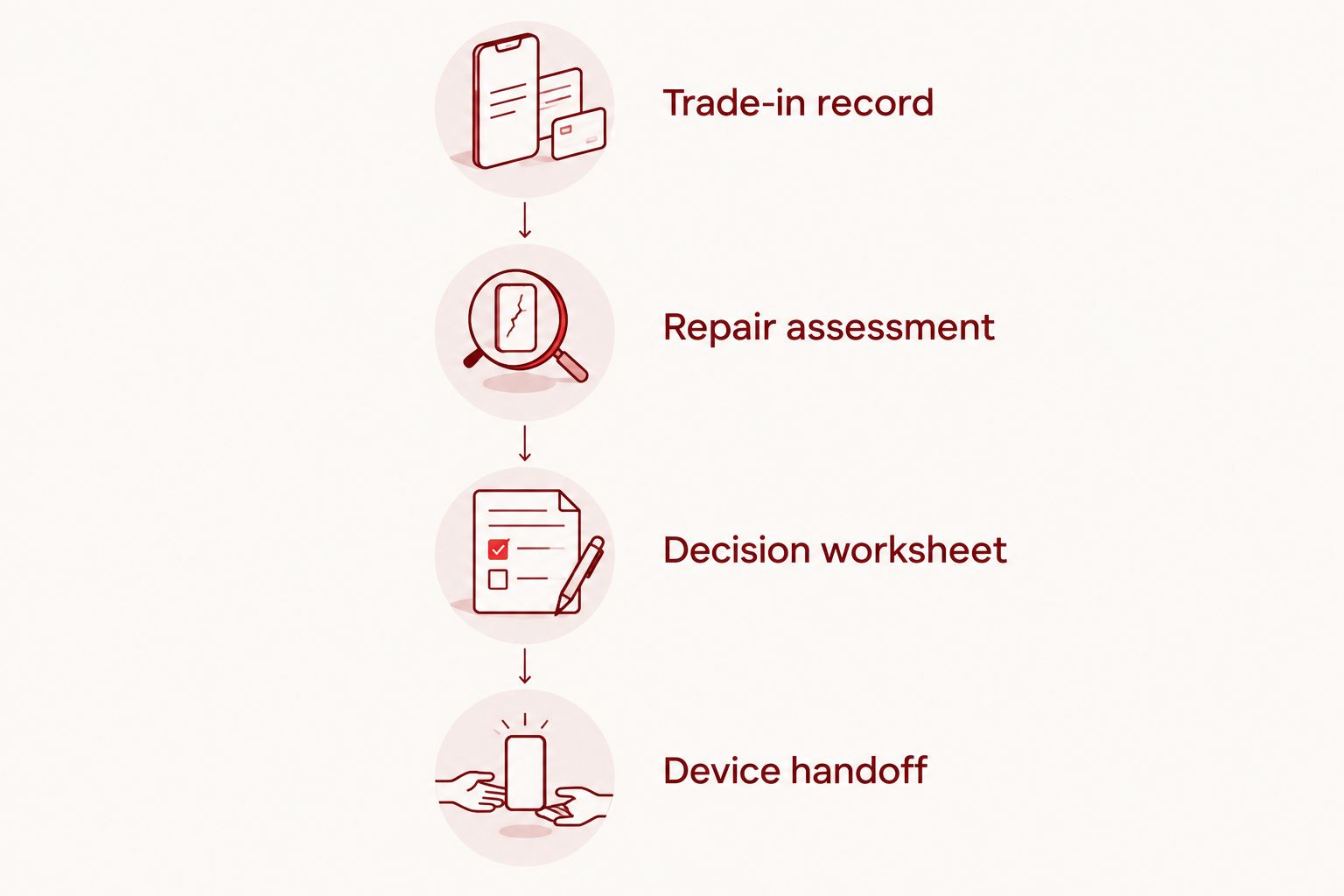
Device handoff
Keep testing and data removal separate. You need access to the phone to verify its condition, but you should not surrender it with personal information still present.
- Verify the functions. Complete 5 checks relevant to ordinary phone use: screen and touch, charging, cameras, audio, and buttons. Record any unresolved symptom and answer the receiving program's additional condition questions accurately.
- Verify your backup. Confirm that important photos, contacts, and other needed information are accessible from the backup or replacement device. A completed backup notification is not a substitute for checking what you need.
- Move essential access. Transfer authentication access and confirm you can receive required verification messages without the old phone. Check work or school requirements before erasing a managed device.
- Follow account-removal instructions. Remove activation protection and associated accounts according to the phone manufacturer's and receiving program's instructions. Removing a screen passcode alone does not remove account-based activation protection.
- Erase at the handoff stage. Follow the manufacturer's reset instructions after backup verification and any necessary repair testing. Do not erase early if the repair provider needs access to reproduce the fault.
- Document the submission. Save the device-condition record, submission confirmation, and any shipping or collection evidence required by the receiving program. Keep the repair documentation until the assessment is resolved.
Expected result: The phone is prepared for the receiving program's inspection, your personal data has been removed, and your essential account access no longer depends on the device you are surrendering.
When the trade-in assessment changes
A second workflow applies when the receiving program revises its assessment after inspecting the phone. Treat the revised assessment as a new decision, not as proof that another repair is necessary.
- Read the stated reason. Identify whether the change concerns physical condition, function, model identification, account protection, or another eligibility rule.
- Compare it with your records. Check the submission description, inspection findings, and authorized repair scope. A repair record explains completed work; it does not establish that every phone function was repaired.
- Use the program's response process. Follow the instructions attached to the revised assessment. Check any response deadline before requesting clarification or deciding whether to accept it.
- Recalculate before further work. If another repair is an option, repeat the eligibility and expense comparison. Do not authorize it until you know whether it addresses the stated rejection reason.
For a 2026 submission, keep the terms that applied when you started the transaction. A later version of a public page is not a substitute for your saved offer details.
Troubleshooting
The repaired screen works, but acceptance is unclear
Ask the receiving program about its replacement-component and repair-history rules. Describe any displayed warning accurately rather than selecting a condition answer simply because touch input works.
The account lock remains after reset
Use the account owner's authorized removal process. If the device belongs to an employer or school, contact its administrator; another hardware repair does not solve an account restriction.
The phone fails intermittently
Record the circumstances: charging cable used, battery state, affected function, and whether the problem occurs after warming up. Bring that record to the repair appointment rather than describing the device as fully working after one successful test.
The backup finished, but essential access is missing
Check the replacement device for the information and account access you actually need. Resolve missing authentication access before erasing or surrendering the old phone.
The submission deadline conflicts with repair
Confirm the receiving program's deadline and the repair appointment before authorization. Do not assume appointment-based service includes an immediate completion commitment.
Customize your workflow
Add separate entries for any condition the receiving program specifically checks, such as camera operation or charging behavior. Keep those entries distinct from your own preference for a cosmetically cleaner phone.
For your 2026 repair plan, prioritize the fault that changes the decision. Replacing a component for continued personal use can make sense even when the same repair is not justified solely for trade-in.
Aspect Phone Solutions handles the smartphone repair side of the decision. Keep questions about trade-in acceptance with the receiving program, and keep inspection and authorization questions with the repair provider.
FAQ
Can I trade in an old phone after repair?
You can trade in a repaired phone if it meets the receiving program's eligibility and condition rules. Confirm how that program treats replacement components, repair history, and any remaining faults before authorizing work.
Should I repair a cracked screen before trading in my phone?
Repair the screen for trade-in only when the program accepts the repaired condition and the overall outcome justifies the repair expense. Compare the unrepaired outcome with the repaired outcome after inspection and charge confirmation.
Does repairing my phone guarantee a better trade-in assessment?
Repair does not guarantee a better trade-in assessment. The receiving program evaluates the device under its own rules, including conditions outside the authorized repair scope.
Should I erase my phone before taking it for repair?
Confirm the repair provider's testing needs before erasing your phone. Verify your backup first, then complete data removal and account-removal steps before surrendering the device for trade-in.
Can a factory reset remove an activation lock?
A factory reset alone does not remove account-based activation protection. Use the account owner's authorized removal process and follow the receiving program's preparation instructions.
Where can I arrange appointment-based phone repair in Edmond or OKC?
Aspect Phone Solutions offers appointment-based smartphone repair for customers in Edmond and the wider Oklahoma City area. Arrange inspection and confirm the repair charge before authorizing work.
What should I do if the trade-in provider changes its assessment?
Read the stated reason and compare it with your saved condition and repair records. Follow the program's response instructions and check its deadline before accepting the revision or considering further repair.
One last thing
Do not lose access to your accounts while preparing a phone for trade-in. Before the final reset, check that your old phone is not your only way to approve a sign-in or receive a verification message. A clean device handoff should not leave you locked out.


