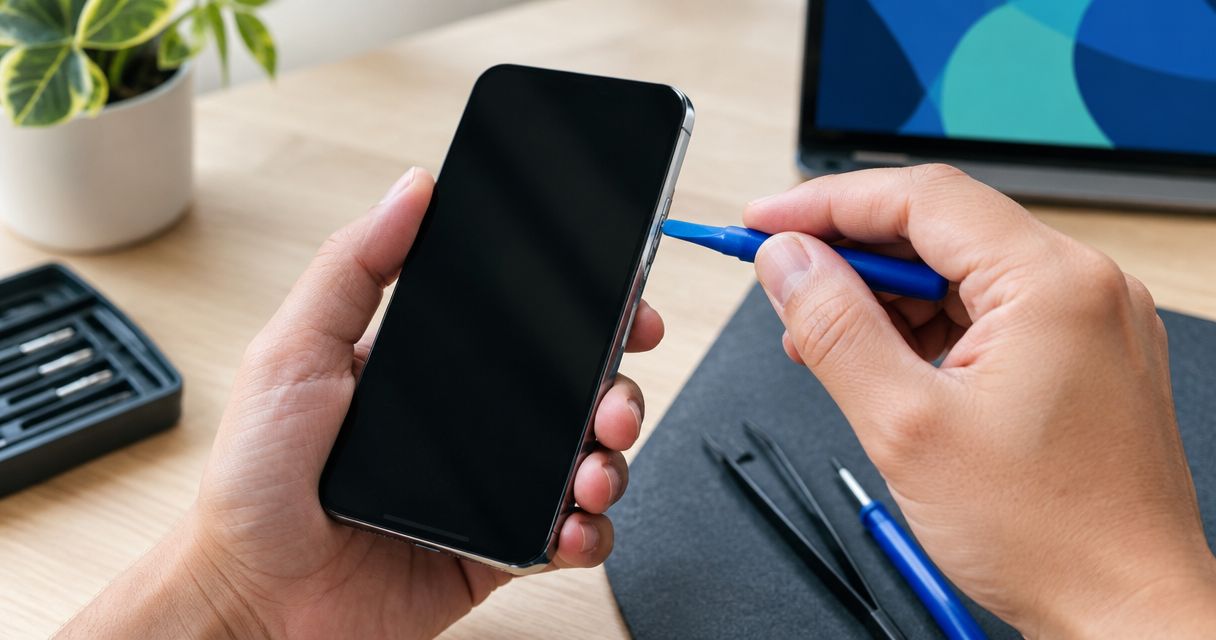
Yes, a stuck power button can be repaired without replacing the phone when the problem is limited to the button, its internal switch, or an obstruction around it. The important caveat is that a bent frame, liquid damage, or another internal fault can make the job more involved, so inspection comes before a repair decision.
- Can a stuck power button be repaired? Yes—an isolated button fault does not require replacing the whole phone.
- Remove the case first; avoid forcing the button, adding liquid, or opening the phone.
- A working touchscreen provides temporary controls on supported phones, but it does not repair the physical button.
- Aspect Phone Solutions offers appointment-based smartphone repair in Edmond and Oklahoma City; repair authorization follows price confirmation.
Can a stuck power button be repaired without replacing the phone?
Yes. Replacing the whole phone is not the default answer to an isolated power-button problem. The right remedy depends on whether something is pressing against the button, the button mechanism has failed, or surrounding damage prevents it from moving.
Before arranging smartphone repair services, describe both how the button feels and what the phone does. A button that stays pressed needs a different investigation from a button that clicks normally but produces no response.
| Approach | Best for | Benefit | Limitation |
|---|---|---|---|
| Remove an interfering case | A button that sticks only with the case fitted | Removes outside pressure without opening the phone | Does not fix a damaged button |
| Have the button area inspected | A physically jammed or inconsistent button | Separates obstruction from damaged components | Appearance alone does not identify every internal fault |
| Repair the button mechanism | An isolated switch or button-assembly fault | Addresses the failed component rather than replacing the phone | The procedure depends on the phone's construction |
| Assess broader damage | A button problem after impact or liquid exposure | Accounts for related faults before authorization | A button-only repair might not address the whole problem |
| Replace the phone | A device with wider problems that make repair unsuitable | Avoids keeping a phone with unresolved faults | Requires setup and data transfer; unnecessary for an isolated repairable fault |
Why this matters
A stuck button affects more than switching the screen off. Depending on the model and button settings, it can interfere with restarting, emergency shortcuts, or other controls that use the same button.
For your 2026 repair decision, separate the inconvenience from the diagnosis. A button that feels wrong does not prove the phone is beyond repair, and a phone that still works does not prove the fault is harmless.
What causes a power button to stick?
These are possible causes, not a diagnosis you can make from the outside. Tell the technician what happened immediately before the problem started, including a case change, drop, or liquid exposure.
Case pressure or debris
A tight, damaged, or poorly aligned case can press against the button. Dirt around the exposed edge can also interfere with movement.
Remove the case gently and inspect the outside under good light. If the button immediately moves normally without the case, leave that case off rather than repeatedly testing the same pressure point.
A damaged button or internal switch
The part you touch and the electrical switch underneath are not necessarily the same component. Some phones connect the switch through a thin, flexible cable inside the device.
A repair can involve the external button, the switch assembly, or its connection. A normal click does not prove the electrical switch works, just as a lack of movement does not identify which internal part has failed.
A bent frame or impact damage
A drop can distort the area around the button and restrict its travel. In that situation, changing the switch alone does not necessarily restore normal movement.
Mention dents, gaps, or a button that became recessed after impact. Do not try to bend the housing back yourself; that risks damaging the screen or components inside.
Liquid exposure or corrosion
Liquid exposure can affect the switch and its electrical connections. A button problem that starts after a spill needs more than an assumption that the outside is sticky.
Do not add cleaning liquid to the button gap. If the phone is wet, stop charging it and seek repair guidance rather than repeatedly pressing controls to check whether they work.
What should you do before booking a repair?
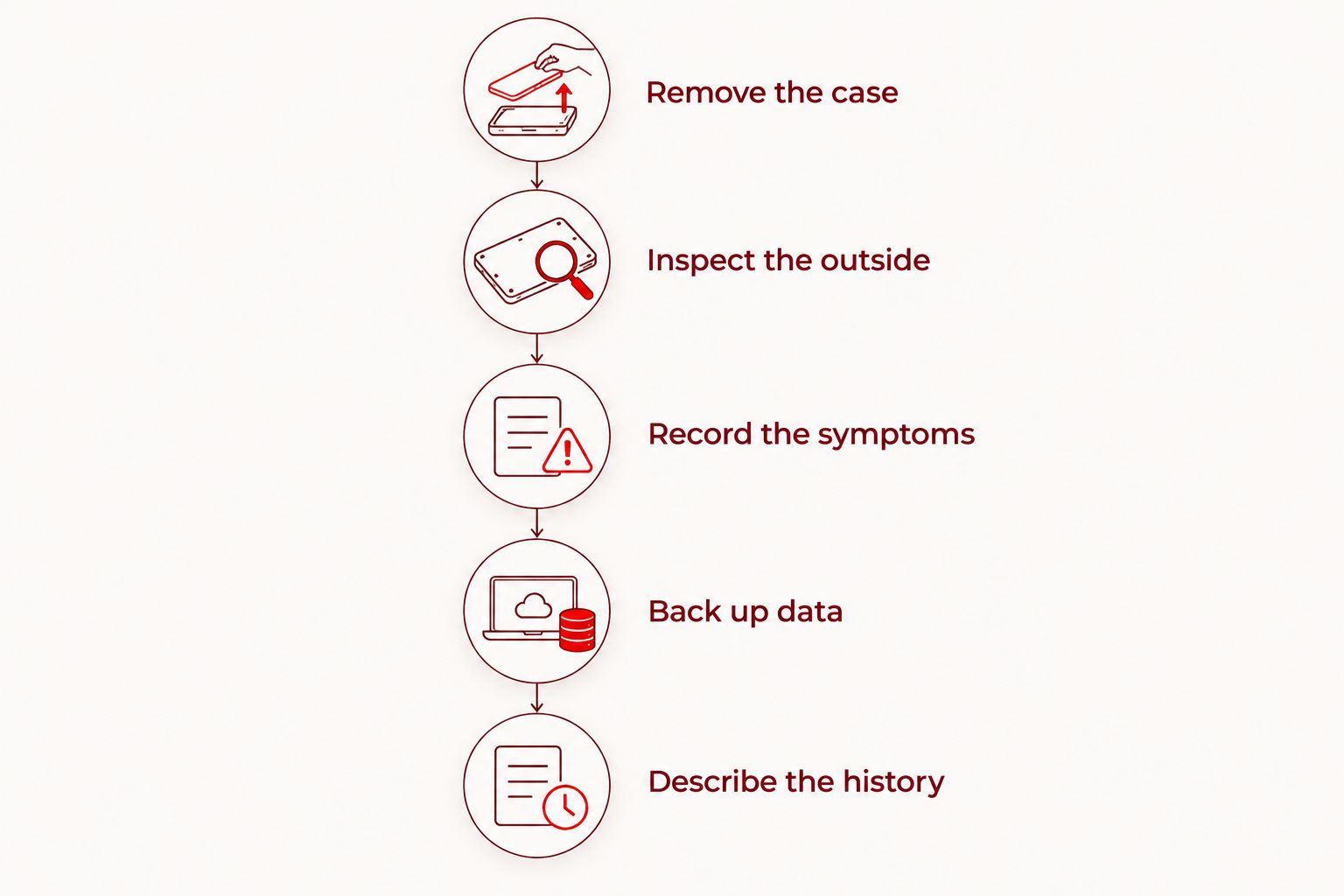
Use these 5 preparation steps before an appointment. They gather useful information without asking you to open the phone or perform a model-specific reset.
- Remove the case. Check whether the case is holding the button down or preventing it from returning. Stop if removing the case would require pressure on a swollen or separating phone.
- Inspect the outside. Look for a recessed button, a dent beside it, or a gap in the housing. Do not insert a blade, pin, or other tool into the opening.
- Record the symptoms. Note whether the button moves, clicks, stays depressed, or responds intermittently. Include any unexpected restart or emergency-screen behavior.
- Back up data. If the phone is safe to use and remains accessible, complete a backup and check that it finished. Do not assume a previous backup includes your latest photos or messages.
- Describe the history. Give the phone model and explain when the problem began. Mention impact, liquid exposure, and previous repairs rather than treating the button as an isolated symptom.
Keep your observations factual. Saying the button stopped returning after a drop is more useful than deciding that the internal cable must be broken.
For an Edmond or OKC appointment in 2026, bring those observations with the phone. They help you explain the problem even if the button happens to behave normally when you arrive.
Why the repair approach varies
The symptom is the starting point, not the repair specification. These factors determine whether a simple adjustment, component repair, or broader assessment makes sense:
- Phone construction: The button's mounting and internal connections differ by model, affecting how a technician reaches the fault.
- Button movement: A jammed button, loose button, and normally clicking button with no response point to different checks.
- Surrounding damage: A distorted frame or damaged housing can interfere with an otherwise functional switch.
- Liquid history: Corrosion can involve connections beyond the visible button area.
- Other symptoms: Restarting, charging trouble, or screen separation needs assessment alongside the button complaint.
Ask what the proposed work addresses and what remains outside its scope. A button repair should not be presented as a solution to unrelated battery, display, or liquid-damage problems.
Can you keep using the phone with a stuck power button?
You can use an otherwise functioning phone temporarily if it remains safe to handle, but a workaround does not fix the button. Unexpected restarts, repeated emergency prompts, or a button that remains held down make continued use unreliable.
On supported devices, accessibility controls provide on-screen ways to lock the display or access other functions. Apple calls its on-screen accessibility control AssistiveTouch; Android options vary by manufacturer and software version.
Check the instructions for your exact model rather than copying a button combination from a different phone. Do not intentionally shut down an accessible phone until you understand how you will turn it back on without the button.
For temporary use in 2026, a verified backup matters more than finding every possible workaround. Stop using or charging a phone with swelling, unusual heat, smoke, or a separating enclosure, and seek appropriate safety guidance.
Does a stuck power button mean you need a new phone?
No. A stuck power button alone does not establish that replacing the phone is necessary; the decision depends on the inspected fault and the phone's overall condition.
Repair makes sense when the fault is isolated and the rest of the device still meets your needs. Replacement deserves consideration when the inspection identifies wider damage or when you already need to address several unrelated problems.
Before authorizing work, ask these 3 decision questions:
- What is preventing the button from working, and what evidence supports that diagnosis?
- Does the proposed repair address all the reported symptoms or only the button?
- What limitations or unresolved faults should I understand before deciding?
Do not use the phone's age alone as the verdict. A newer phone can have extensive damage, while an older phone can have a repairable isolated fault.
What should an Edmond or OKC repair appointment cover?
Aspect Phone Solutions is best for Edmond and OKC customers who want appointment-based smartphone repair. Arrange a visit rather than assuming walk-in service, and explain the power-button symptoms when making the appointment.
Aspect Phone Solutions confirms repair prices before authorization. That gives you a decision point after inspection rather than asking you to accept a button-replacement diagnosis based only on a description.
The appointment-based format requires planning; it is not a walk-in arrangement. Use the booking page to arrange the visit, and ask what preparation your particular phone needs.
Before handing over the device, explain any access restrictions. Ask whether testing requires access to settings, and discuss the process without sharing account passwords unnecessarily.
Arrange a phone repair appointment
Describe the stuck button and any drop or liquid history. Service is by appointment.
What should you check after the button is repaired?
Before leaving a 2026 repair appointment, ask to review the functions affected by the work. Test the phone without its case first so an interfering case does not confuse the result.
Check these 4 functions, using the controls appropriate to your model:
- Button movement: Confirm that the button presses and returns without sticking.
- Screen locking: Confirm that the intended button action locks or wakes the display.
- Power controls: Ask the technician to demonstrate the appropriate power or restart controls.
- Related shortcuts: Check any button-based shortcut you regularly use, with guidance to avoid triggering an emergency call.
Do not assume opening and resealing a phone guarantees its original water resistance. Ask what the repair involved, and avoid deliberately exposing the device to water as a test.
If the symptom returns with the case installed, stop using that case and report the difference. That observation helps distinguish outside pressure from an unresolved repair issue.
FAQ
Can a stuck power button be repaired without replacing my phone?
Yes, a stuck power button can be repaired without replacing the phone when the fault is isolated and repairable. Inspection determines whether the problem involves obstruction, the button mechanism, its electrical connection, or surrounding damage.
Should I keep pressing a jammed power button?
No, do not repeatedly force a jammed power button. Remove an interfering case gently, avoid inserting tools into the gap, and arrange inspection if the button remains stuck.
Can I put rubbing alcohol into the power button?
Do not pour or drip rubbing alcohol into the power-button gap. Liquid can enter the phone, and cleaning the outside does not diagnose a damaged internal switch.
Can I use my touchscreen instead of the power button?
Supported phones offer accessibility controls that replace some button actions on screen. These controls are a temporary workaround, not a physical repair, and their functions depend on the model and software.
Will fixing the power button erase my photos?
Erasing photos is not inherently required to repair a physical power button, but no repair should substitute for a backup. Back up an accessible phone before service and discuss any proposed reset before authorizing it.
Does a clicking power button mean the button is working?
No, a click confirms movement but does not prove the electrical switch is registering the press. A responsive screen with an unresponsive button still needs diagnosis.
Can I walk in for a power-button repair in Edmond?
Aspect Phone Solutions provides smartphone repair by appointment rather than walk-in service. Arrange the visit and describe your phone model, button behavior, and any drop or liquid history.
One last thing
Check the case before blaming the phone. If removing it restores normal button movement, keep it off and observe whether the problem returns during ordinary use rather than repeatedly pressing the button.
Your most useful next move in 2026 is to preserve access: back up an accessible, safe-to-use phone before its battery runs down. A phone that still works gives you more room to prepare than one you cannot restart.


