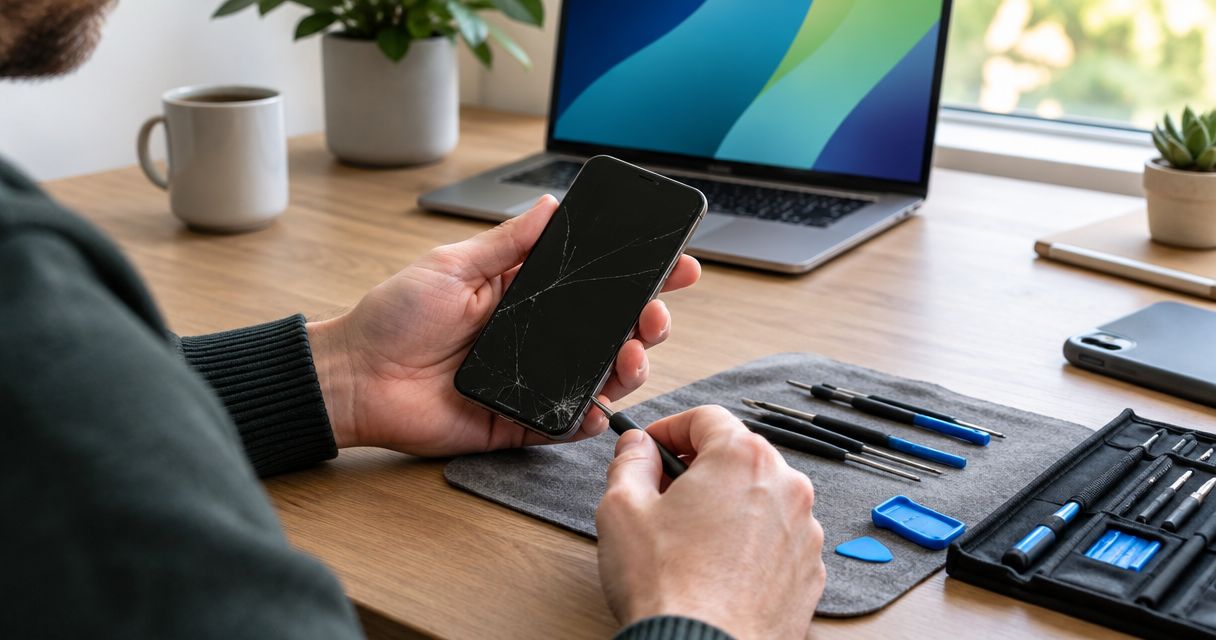
Repairing an old phone is worth it in 2026 when it still receives security updates, meets your daily needs, and has a repairable fault rather than several unresolved problems. Replacement makes more sense when the phone no longer supports essential apps or the proposed repair leaves other important faults untouched. Get the phone inspected before deciding: a visible crack or charging problem does not establish the full repair scope.
- Is it worth repairing an old phone? Yes, when security support, everyday usefulness, and an inspected repair scope justify it.
- A battery replacement addresses battery wear, not every cause of slow performance or shutdowns.
- Compare the complete repair scope with a replacement that meets your needs, not just the newest model.
- Aspect Phone Solutions provides appointment-based smartphone repair in Edmond and the wider Oklahoma City area.
Is it worth repairing an old phone in 2026?
Repair a phone you still want to use; replace one whose limitations extend beyond the damaged part. Age alone does not answer the question. A working screen cannot restore software support, and a newer phone is not automatically necessary because an older one needs attention.
Use this comparison before authorizing work:
| Option | Best for | Main advantage | Main limitation |
|---|---|---|---|
| Repair | A supported phone with a clearly identified fault | Keeps a familiar device in use | Does not resolve unrelated wear or software limitations |
| Replace | A phone that no longer meets essential needs | Lets you choose a device that addresses those limitations | Requires setup, account access, and data transfer |
| Inspect before deciding | Unexplained shutdowns, charging trouble, or multiple symptoms | Establishes what needs attention | Diagnosis does not guarantee repair is the right choice |
For local help, Aspect Phone Solutions offers appointment-based smartphone repair for Edmond and the wider OKC area. Prices are confirmed before authorization; do not treat a symptom description as a final quote.
Why this matters
Your phone's resale value is not its only useful value. If it handles calls, messages, navigation, and the apps you depend on, restoring a failed component can address the reason you were considering replacement.
The opposite also matters. Spending money on a screen does not make an unsupported phone suitable for sensitive accounts, and replacing a battery does not add storage. Judge the phone you will have after repair, not just the fault you can see today.
Battery trouble: repair when the rest still works for you
Battery replacement deserves consideration when short battery life is the main complaint and the phone otherwise meets your needs. Rechargeable batteries wear with use, but rapid battery drain also has other causes, including demanding apps and background activity. Inspection helps separate battery wear from a different problem.
Before requesting a replacement, describe the symptoms clearly. Does the phone shut down unexpectedly, drain while idle, or work only when connected to power? Those details are more useful than saying the battery is old.
Best for: a supported phone whose main limitation is confirmed battery wear. The advantage is addressing that limitation without changing devices; the drawback is that storage shortages, broken cameras, and unsupported software remain separate issues.
Read Is phone battery replacement worth it? if battery life is driving your decision. Do not assume a battery replacement will fix every slowdown.
Screen damage: repair when the display is the main problem
A cracked screen is a stronger repair candidate when the phone's other functions still meet your needs. Tell the technician about touch problems, flickering, dark areas, or a display that remains blank. Visible glass damage and display failure are not interchangeable descriptions.
Also mention what happened during the impact. A drop that damaged the screen deserves a broader check if the phone now has camera, charging, or connection problems. Approving only the visible repair without discussing those symptoms leaves the decision incomplete.
Best for: a phone you would keep using if the screen worked properly. The benefit is restoring usability; the limitation is that screen work does not automatically address impact damage elsewhere.
If the screen has sharp edges or unreliable touch response, stop treating it as a cosmetic issue. Avoid pressing on damaged glass, and arrange an assessment rather than continuing to handle it normally.
Charging trouble: diagnose before choosing a repair
A phone that will not charge does not automatically need a charging port replacement. The cable, power adapter, port, battery, or internal hardware can be involved. Describe whether charging is intermittent, whether the connection feels loose, and whether the problem changes with a known-working charger.
If the phone is dry, undamaged, and shows no battery warning signs, trying a compatible, known-working cable and adapter helps narrow the symptom. Do not force a connector or probe the port with a metal object. Repeatedly pushing the cable into place is not a diagnosis.
Best for: inspection when the cause of charging failure remains unclear. The advantage is avoiding a part replacement based only on a guess; the limitation is that the phone's condition still determines whether repair is sensible.
Why the repair-or-replace decision varies
For a repair decision in 2026, these factors matter more than a universal age cutoff:
- Security support. Check the manufacturer's information for your exact model. A functioning phone and a phone receiving security fixes are not the same thing.
- Everyday usefulness. Confirm that essential apps work and that storage, connectivity, and accessibility features meet your needs.
- Complete condition. List every known problem, including faults you have learned to work around. An isolated defect and several unresolved defects require different decisions.
- Confirmed repair scope. Ask what the proposed work addresses and what remains outside it. Decide after inspection, not from a guessed diagnosis.
- Data access. Check your backup and account recovery options. Uncopied photos or inaccessible accounts require attention before either repair or replacement.
- Time without the device. Ask about the expected process for your particular phone. Arrange another way to receive essential calls or account verification messages if needed.
There is no useful blanket rule that every phone above a certain age should be replaced. Exact model, condition, support status, and your needs determine the answer. A repair estimate should be evaluated against those facts.
How do I compare repair with replacement fairly?
Compare the inspected repair scope with a replacement that does what you need. Do not use an expensive upgrade as the only alternative if you do not need its added features. Equally, do not compare a partial repair with a replacement while ignoring the phone's other defects.
Write down what each choice leaves you with:
- After repair: which fault is resolved, which limitations remain, and whether the phone still receives security updates.
- After replacement: whether your essential apps work, how your data will move, and whether you can access your accounts.
- Either way: what you need to do before losing access to the current device.
Ask what parts the proposed work includes and what repair terms apply before authorizing it. Do not assume those details from another shop's offer or an online discussion about a different model.
The better choice is the one that resolves your actual problem without leaving an unacceptable limitation behind. A low repair quote is not enough if the repaired phone still cannot do what you need.
What should I check before booking a repair?
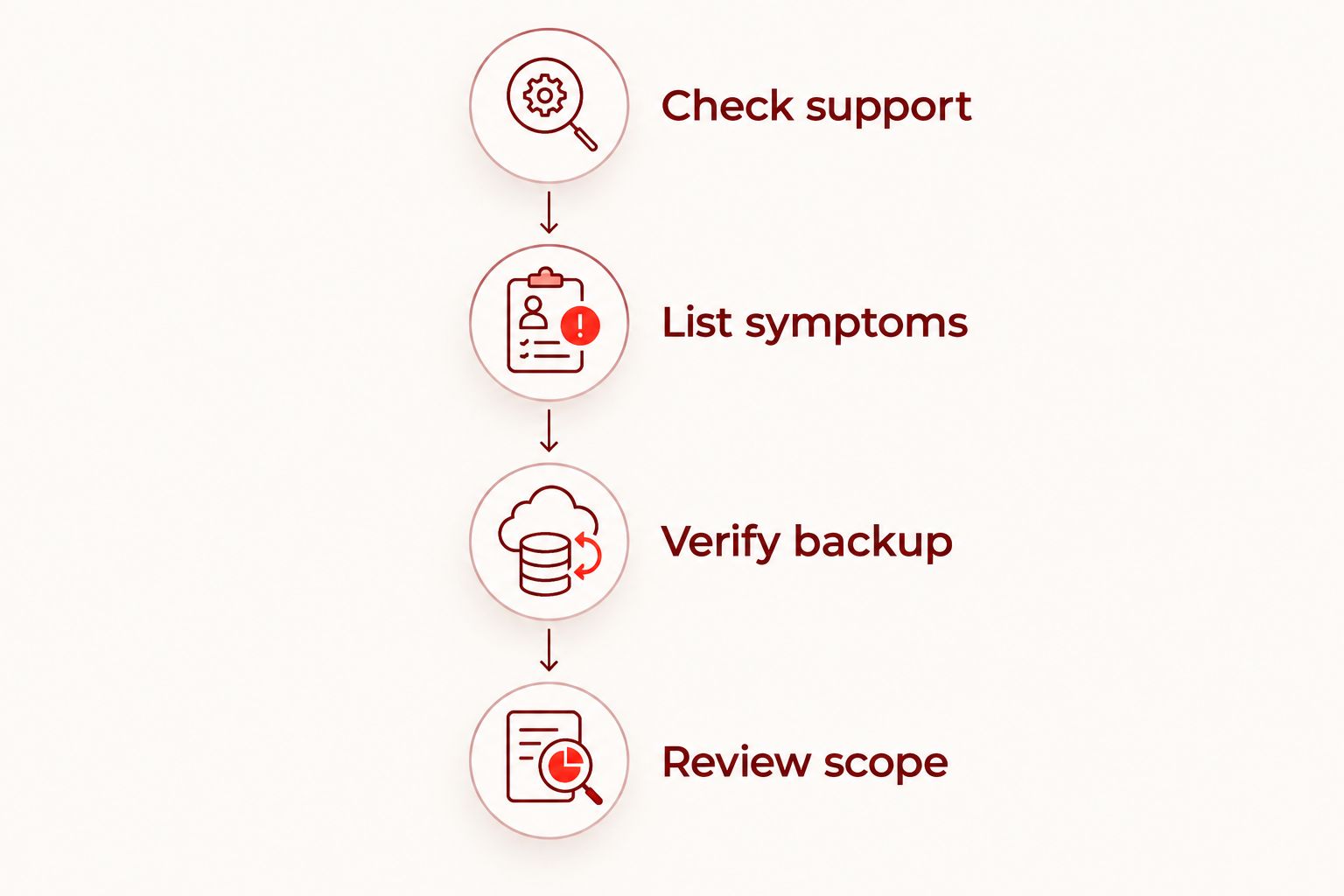
Use this sequence for a repair decision in 2026. It keeps the discussion focused on symptoms, support, and your intended use rather than the phone's age alone.
- Check support. Find the exact model in the phone's settings, if accessible, and check its security update status with the manufacturer. Do not infer support from the brand name alone.
- List symptoms. Include intermittent problems, previous damage, and any liquid exposure. Describe what happens rather than naming a component you think has failed.
- Verify backup. Confirm that important files have actually copied and that you know the relevant account credentials. Starting a backup is not the same as confirming it completed.
- Review scope. After inspection, ask what the proposed repair resolves, what it does not resolve, and what happens if another fault is found.
For an Edmond or Oklahoma City appointment, explain whether you need the phone for work, caregiving, travel, or account access. Ask about timing rather than assuming a repair will be finished during your visit. Aspect Phone Solutions operates by appointment, not as a walk-in service.
When should I stop using the phone instead of comparing options?
A swollen battery, a lifting screen associated with swelling, smoke, or unusual heat calls for a safety decision before an economic one. Stop charging and using a phone with a suspected damaged battery. Do not press it flat, puncture it, or attempt to remove the battery yourself.
For a wet phone, disconnect external power and do not keep plugging it in to test whether charging has returned. Seek handling advice appropriate to the damage. A powered-on screen does not establish that a liquid-exposed phone is safe or free of internal damage.
Once the immediate risk is addressed, discuss assessment and data priorities. A device can be worth assessing for its data without being worth restoring for daily use. Those are separate goals, and neither guarantees a successful outcome.
Is it worth repairing a phone that no longer gets updates?
Repair does not restore security updates. If your phone no longer receives security fixes, replacement is the stronger choice for banking, work accounts, and other sensitive uses. Check the exact model's status before paying to extend its everyday use.
A limited offline role is a different decision from using the phone as your primary connected device. Decide what the phone will do after repair, not simply whether it can turn on.
Should I repair my old phone just to recover photos?
Data recovery and everyday repair are separate decisions. Explain that access to photos or files is your priority before authorizing work, especially if the phone will not turn on. A repair that helps the device operate does not automatically guarantee that its data can be recovered.
Check existing backups first. If the files are already accessible elsewhere, you can judge the repair on the phone's usefulness rather than fear of losing the only copy.
FAQ
Is it worth repairing an old phone in 2026?
Repairing an old phone in 2026 is worth considering when it still receives security updates, meets your needs, and has a clearly identified repairable fault. Decide after inspection and review the limitations that will remain after repair.
Is replacing the battery better than buying another phone?
Battery replacement is the better fit when confirmed battery wear is the main problem and the phone otherwise meets your needs. It does not fix unrelated faults or restore software support.
Should I repair a cracked screen if the phone still works?
Screen repair is worth considering when the phone otherwise meets your needs and the damage affects safe handling or normal use. Mention any additional problems that began after the same impact.
How much should I spend repairing an old phone?
Base your decision on an inspected quote, the complete repair scope, and the usefulness of the phone afterward. There is no single spending cutoff that fits every model and condition.
Will repairing my phone erase my photos?
Do not assume repair will preserve every file. Verify your backup before service when possible, and explain any data-access priority before authorizing work.
Can I keep using a phone with a swollen battery?
Stop using and charging a phone with a swollen battery. Do not press, puncture, or attempt to flatten it; seek professional handling advice.
Can I walk in for smartphone repair in Edmond?
Aspect Phone Solutions provides appointment-based smartphone repair for Edmond and the wider Oklahoma City area, rather than walk-in service. Arrange an appointment and have the price confirmed before authorization.
One last thing
Before repairing an old phone in 2026, ask yourself: If this fault disappeared today, would I still want to replace the phone? If the answer is yes because essential apps, storage, or software support no longer meet your needs, fixing the visible damage will not change that.
If the answer is no, arrange an inspection and evaluate the confirmed scope. That keeps the decision tied to the phone's usefulness rather than pressure to upgrade or reluctance to let it go.


