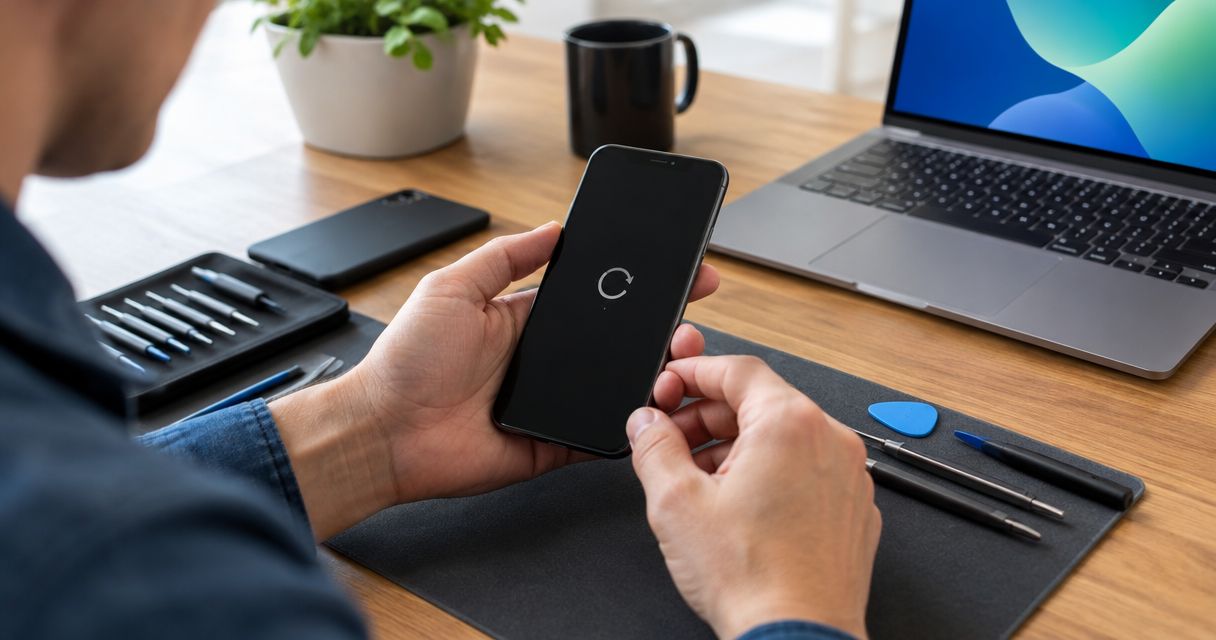
The cost to fix a phone that keeps restarting depends on the cause; in 2026, a useful repair estimate requires an inspection, not just a description of the restart loop. Before authorizing work, ask whether the estimate includes diagnosis, the proposed repair, and any separate work needed to preserve your data.
- The cost to fix phone that keeps restarting depends on diagnosis; a reboot loop alone does not identify the repair.
- Back up accessible data before resetting the phone or authorizing software work.
- Battery trouble, software faults, stuck buttons, and internal damage require different checks.
- Aspect Phone Solutions provides appointment-based smartphone repair for Edmond and Oklahoma City customers.
How much does it cost to fix a phone that keeps restarting?
The repair cost follows the diagnosis—not the symptom. A phone that restarts after opening an app needs different checks from a phone that shuts down whenever you unplug it. Neither pattern, by itself, proves which part needs replacing.
For smartphone repair in Edmond and Oklahoma City, Aspect Phone Solutions confirms the price before you authorize service. Describe the restarting pattern when arranging an appointment, but expect the repair decision to follow inspection.
Use this comparison to understand what a technician needs to distinguish. These are possible repair paths, not diagnoses or promises that a particular service will solve your phone's problem.
| Possible repair path | Best for | Main benefit | Main limitation |
|---|---|---|---|
| Software troubleshooting | Restarts associated with an app, update, or operating-system problem | Addresses software without assuming a part has failed | Some recovery procedures erase local data |
| Battery replacement | A battery fault confirmed through diagnosis | Addresses an identified power-source problem | Does not fix unrelated software or internal damage |
| Button or charging-related repair | A confirmed button, connector, or charging fault | Targets the component causing the interruption | Similar symptoms can have other causes |
| Internal hardware assessment | Persistent restarts or problems following impact or liquid exposure | Investigates faults beyond basic software checks | Repair feasibility depends on the damage |
Why this matters
A restart loop interrupts more than calls. It can block access to photos, work messages, authentication apps, and the information you need to move to another phone. Your repair decision should account for that data before anyone starts troubleshooting that could erase it.
Do not approve a battery replacement solely because the phone keeps restarting. Ask what evidence connects the proposed repair to the symptom. A clear explanation helps you distinguish a targeted repair from replacing parts without a confirmed cause.
Software troubleshooting: protect your data first
Software is a reasonable area to investigate when restarting began after an app installation or system update. The timing is useful evidence, but it is not proof. A hardware problem can appear around the same time.
Best for: a phone that remains usable long enough to back up data and check for an app-related pattern. On supported Android devices, safe mode can help determine whether downloaded apps are involved; use the manufacturer's instructions for your exact model.
The advantage of software troubleshooting is that it does not begin by assuming a physical component needs replacement. The limitation is data risk: a factory reset erases local data, and some recovery procedures do too. Ask exactly which procedure is proposed before approving it.
If your phone stays on briefly, use that opportunity to check your backup rather than repeatedly testing the same app. Confirm that important photos and files are actually accessible from another device. A backup setting being enabled does not establish that the latest files finished uploading.
Battery replacement: confirm the fault before replacing it
A failing battery can cause unexpected shutdowns, including when the phone demands more power. A phone that restarts during camera use or behaves differently when connected to power gives a technician useful clues. Those clues still need checking.
Best for: a phone with a diagnosed battery problem and no other issue that makes the repair unsuitable. Battery replacement addresses the battery; it does not correct corrupted software, a damaged connector, or a fault elsewhere inside the phone.
Tell the technician whether the displayed charge changes abruptly, whether the phone shuts down after unplugging, and whether the behavior changes during demanding tasks. Report what you observed without deciding the cause yourself. That distinction keeps the inspection focused.
Stop using and charging a phone with a swollen battery. A lifting screen or separating back cover needs professional assessment, not pressure to push it closed. Do not puncture the battery or attempt to flatten it.
Button and charging faults: describe the pattern
A stuck or damaged power button can interfere with normal operation. A case pressing against the button is also worth checking externally, provided the phone has no swelling or other safety concern. Remove the case gently and note whether the button moves normally.
Best for: a phone whose restart behavior is linked to button pressure, cable movement, or charging. The benefit of investigating that connection is a more focused diagnosis. The limitation is that an apparent charging problem does not establish that the charging port itself has failed.
Do not scrape a charging port with metal tools or force a connector into place. If restarting happens when you move the cable, tell the technician exactly that. Repeatedly bending the cable or connector adds no useful evidence once you have identified the pattern.
Internal damage: decide what you need to recover
A drop or liquid exposure changes the inspection priorities. Damage inside the phone can affect power delivery or other components, even when the outside looks relatively intact. Tell the technician about the incident before authorizing software work.
Best for: a phone with persistent restarting after physical damage, liquid exposure, or unsuccessful basic troubleshooting. An internal assessment investigates causes that an app change or reset cannot resolve. Its limitation is uncertainty about repair feasibility until the affected components are examined.
If the phone contains files without a backup, make data preservation your first instruction. Restoring everyday use and retrieving data are different goals. Ask whether the proposed work supports your priority and whether it involves erasing or replacing data-storing components.
Why the repair estimate varies
For a 2026 repair decision, compare the work included in the estimate rather than treating every restart loop as the same job. These factors determine what needs investigation and what you should authorize:
- Phone model: Construction, component compatibility, and disassembly requirements differ between models.
- Confirmed cause: Software recovery, battery work, and internal hardware repair involve different procedures.
- Damage history: A drop, liquid exposure, or earlier repair gives the technician additional areas to inspect.
- Data requirements: Keeping unbacked-up files changes which troubleshooting steps are acceptable.
- Repair scope: An estimate should distinguish the identified fault from other damage found during inspection.
- Post-repair testing: Ask how the technician will check the restarting behavior after the proposed work.
Ask whether any diagnostic charge applies, what happens if you decline the repair, and whether additional findings require fresh authorization. Get those answers before leaving the phone. Do not assume that every shop handles diagnosis and authorization the same way.
What should I do before a repair appointment in 2026?
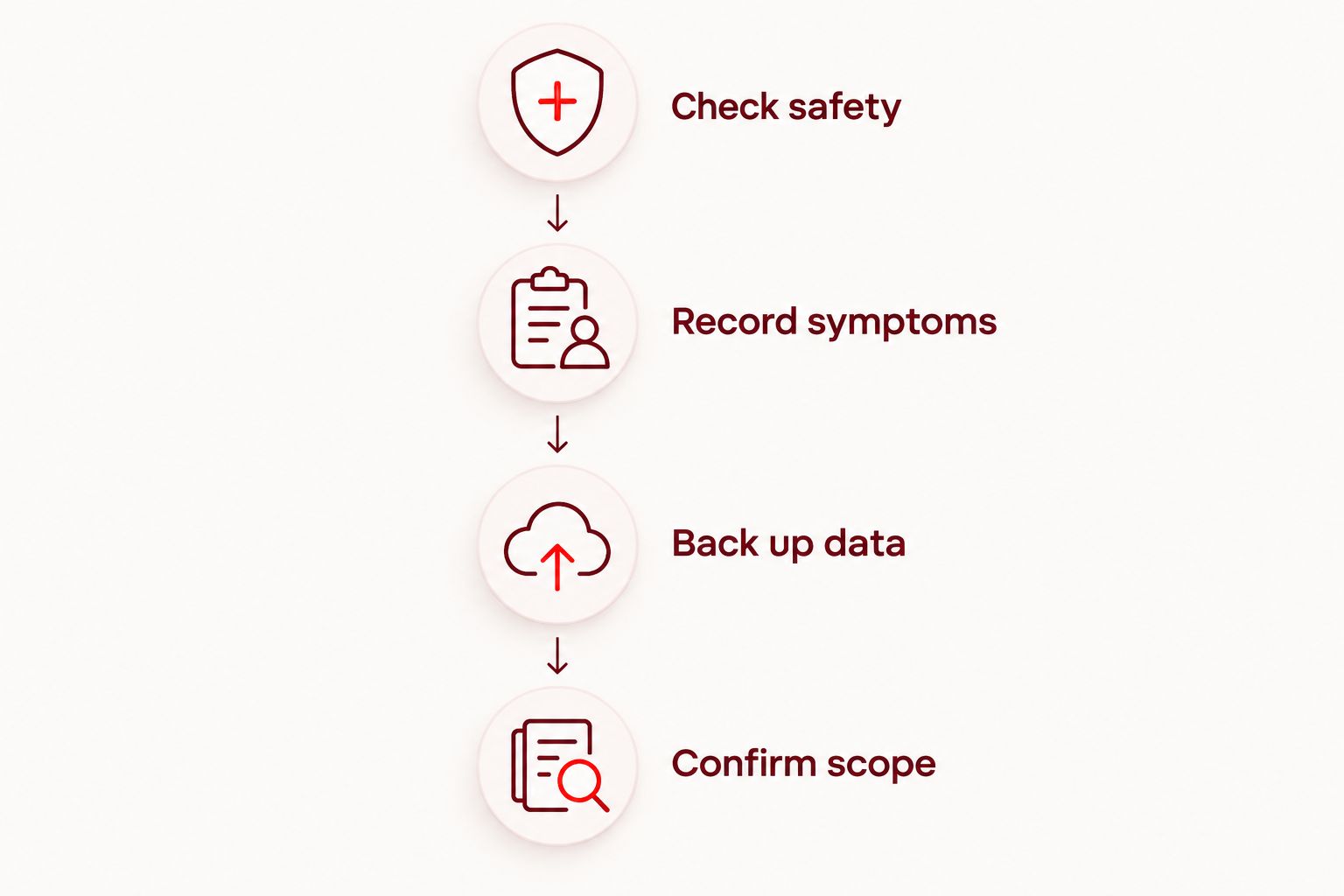
Preserve evidence and protect accessible data before attempting a reset. You do not need to reproduce every restart; a clear description is more useful than repeatedly pushing an unstable phone through the same failure.
- Check safety. Stop using the phone if you see swelling, smell burning, or notice unusual heat. Do not keep charging it to complete a backup.
- Record symptoms. Note whether it reaches the lock screen, restarts inside an app, or shuts down when disconnected from power.
- Back up data. If the phone is safe and usable, back up important files and verify them from another device.
- Confirm scope. Tell the repair provider whether your priority is normal use, data preservation, or both before authorizing work.
Bring the phone's model information if you can access it, along with a description of anything that changed before the problem started. Mention recent updates, drops, liquid exposure, and previous repairs. Avoid sharing account passwords in a booking message.
Aspect Phone Solutions is best for Edmond and OKC customers seeking appointment-based smartphone repair. Arrange service through the booking page rather than planning a walk-in visit; confirm any preparation instructions when scheduling.
What should a useful repair estimate explain?
A useful estimate connects the proposed work to the problem you reported. Ask the technician to explain what was found, what the repair is intended to correct, and what remains uncertain. Plain language is enough; you do not need a list of unexplained component names.
Before authorizing the repair, ask:
- What finding supports this repair?
- Does the work involve erasing my phone?
- What is included in the confirmed estimate?
- What happens if another fault appears during the work?
- How will the restarting problem be checked afterward?
Aspect Phone Solutions confirms prices before authorization. Keep your own approval equally specific: approve the described work, not an open-ended instruction to replace whatever seems related. Ask for clarification whenever the scope changes.
Is it worth repairing a phone that keeps restarting?
Repair is worth considering when the cause is identified and the proposed work meets your needs. Compare the confirmed scope with the phone's overall condition, ongoing software support, and your need to retain its data. A restart loop alone is not a reason to discard an otherwise useful device.
For your 2026 decision, separate restoring the phone from recovering its contents. You might prefer replacement for everyday use while still seeking an assessment of files on the old phone. Tell the technician which outcome matters before agreeing to work.
Replacement also has practical limitations: you must transfer accounts, restore files, and regain access to authentication tools. Repair has its own limitation: fixing the identified fault does not reverse unrelated wear or damage. Choose based on the full situation rather than the restarting symptom alone.
Can I fix a restarting phone without a factory reset?
Some restarting problems can be resolved without a factory reset, but the cause determines the approach. An app-related problem or a confirmed hardware fault does not automatically require erasing the phone. Ask for data-preserving checks first when your files are not backed up.
A reset is not a universal test for every restart loop. It erases local data and cannot repair physical damage. If recovery instructions include an erase or restore option, pause until you understand the consequences.
FAQ
How much does it cost to fix phone that keeps restarting?
The cost depends on the diagnosed fault and the repair scope. Get an inspection-based estimate and confirm what is included before authorizing work.
Does a phone that keeps restarting need a new battery?
A phone that keeps restarting does not automatically need a new battery. Battery failure is one possible cause, but software, buttons, and other internal components also need consideration.
Will repairing a restart loop delete my photos?
Repairing a restart loop does not always require deleting photos, but some software recovery procedures erase local data. Confirm the procedure and verify your backup before approving work.
Should I keep charging a phone that keeps restarting?
Do not keep charging a phone that is swollen, unusually hot, or showing signs of damage. For other restart patterns, describe how charging affects the behavior when arranging an inspection.
Can a factory reset fix a phone that keeps rebooting?
A factory reset can address some software problems, but it does not fix physical hardware faults. It also erases local data, so do not use it as the first step when important files are unbacked-up.
Can I walk in for repair at Aspect Phone Solutions?
Aspect Phone Solutions provides smartphone repair by appointment for Edmond and the wider Oklahoma City area. Arrange an appointment rather than planning a walk-in visit.
What should I tell a repair shop about a restarting phone?
Tell the repair shop when the restarting began, what triggers it, and whether the phone reaches the lock screen. Include any recent drop, liquid exposure, update, or earlier repair, and state whether preserving data is your priority.
One last thing
A brief return to normal operation is a backup opportunity, not proof that the fault is gone. If your phone becomes usable and shows no safety warning signs, preserve important files before spending that window testing apps. For a restarting phone in 2026, that is a practical step you can take before the repair decision.


