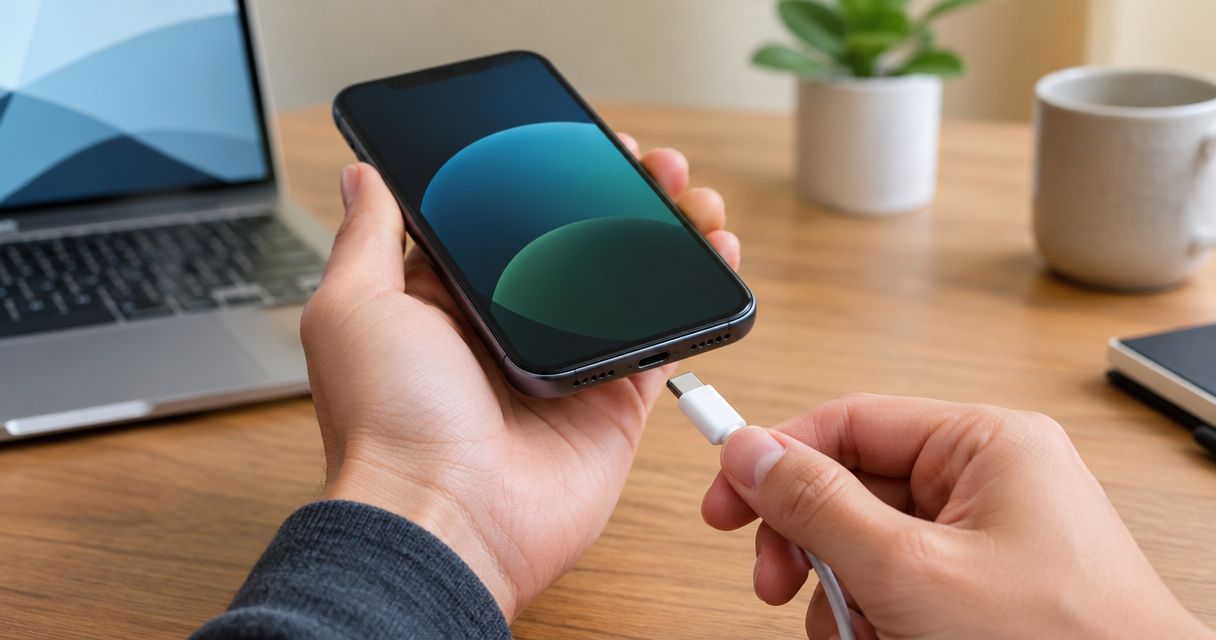
A phone with a broken charging port can sometimes still charge, but not reliably. It depends on what is broken: a loose or dirty port often still works with some wiggling, while a bent, cracked or corroded port usually stops charging within days or weeks. In 2026, the safe move is to stop forcing the cable and get the port inspected.
- Can a phone with a broken charging port still charge? Sometimes, but the connection is unreliable and usually gets worse.
- Wiggling the cable to get a charge makes the damage worse. Stop doing it.
- Lint packed in the port is the most common cause and the cheapest to rule out.
- Wireless charging works as a bridge on phones that support it, not as a fix.
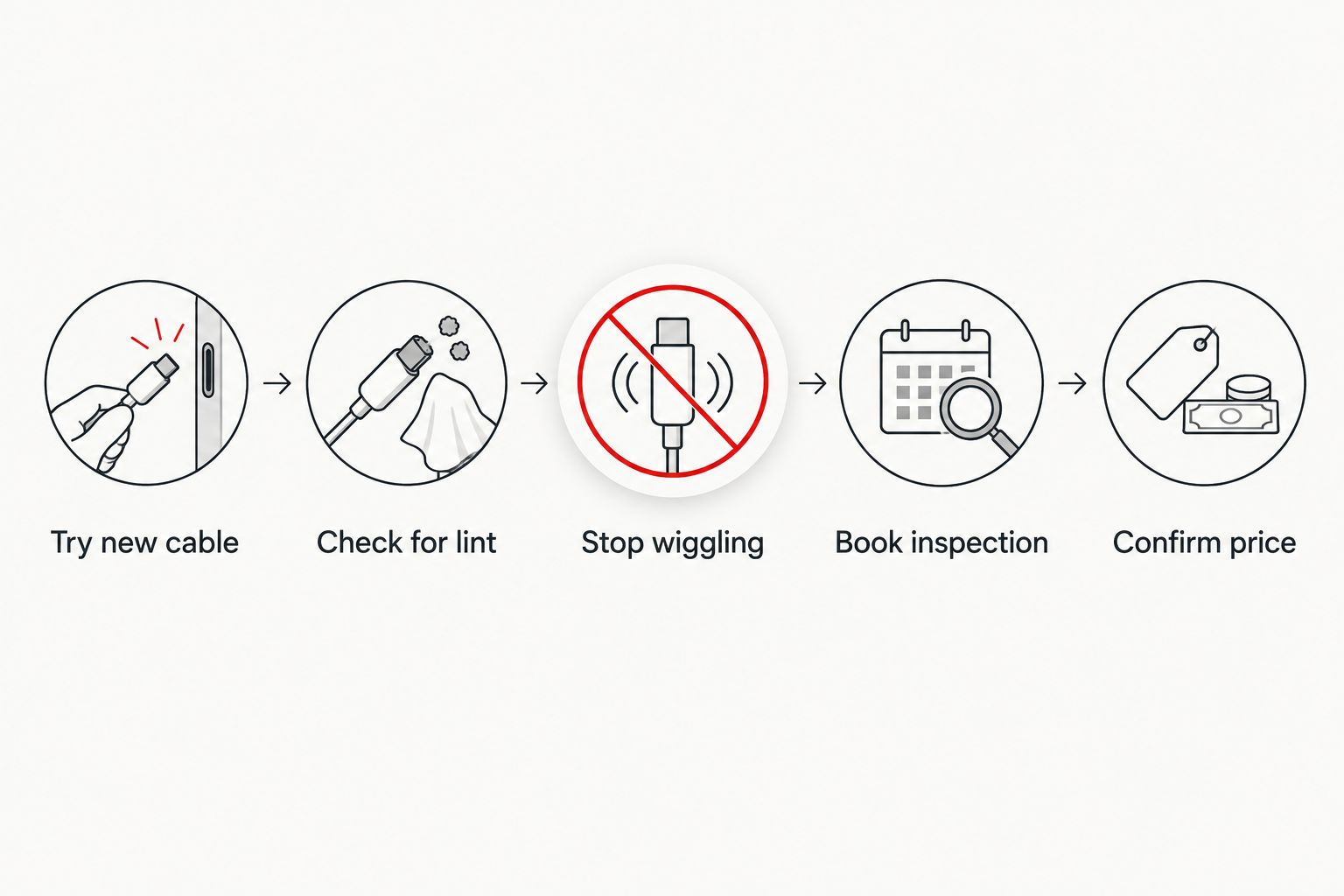
- Aspect Phone Solutions inspects the port by appointment in Edmond and OKC, and confirms the price before any work.
Why this matters in 2026
Your phone is your alarm, wallet, map and work line. A charging port that works only at a certain angle will fail at the worst moment, usually at 3% battery when you need directions.
The longer you keep forcing a bad connection, the more likely a small problem becomes a bigger one. A port that needed a cleaning in January can need a board-level repair by spring.
Can a phone with a broken charging port still charge?
Yes, in some cases. No, in others. What decides it is the type of damage.
| What is wrong | Can it still charge? | What it usually means |
|---|---|---|
| Lint or debris packed in the port | Often, but slowly or on and off | Cleaning may fix it |
| Loose port from wear | Sometimes, at one cable angle | Port is wearing out |
| Bent or damaged pins | Rarely or intermittently | Needs repair |
| Corrosion from liquid | Unpredictable, can stop fully | Needs inspection soon |
| Damaged charging board or connector | Usually not | Needs repair |
Verdict: if you have to hold the cable at an angle to get a charge, the port is already failing. It will not fix itself.
Signs the port is the problem, not the cable
Try a second cable and a second charger first. Cables fail more often than ports, and testing takes two minutes.
- The phone charges with one cable but not another: replace the cable.
- The phone charges only when the cable sits at a certain angle: the port is loose or worn.
- The cable feels loose or falls out on its own: the port or the cable end is worn.
- The phone says it is charging, then drops out repeatedly: the connection is unstable.
- The phone gets warm near the port while charging: stop and get it checked.
- You see a green or white crust in the port: that points to moisture or corrosion.
What you can safely try before booking
Keep it simple and gentle. Power the phone off first.
- Look into the port with a flashlight. Pocket lint is common and packs in tight over months.
- Use a wooden or plastic toothpick to lift lint out gently. Do not use metal pins or needles. They can bend the contacts or short the port.
- Do not spray liquids or cleaners into the port.
- Try a different cable and a different wall adapter.
- Plug in straight, with no pressure and no wiggling.
If cleaning restores a firm, steady connection, you are done. If not, the problem is inside the port or behind it.
Why wiggling the cable is a bad idea
Every time you tilt the cable to catch a charge, you flex the metal contacts inside the port. A loose contact becomes a bent one. A bent one becomes a broken one.
It also stresses the solder joints holding the port to the phone's board. That turns a port repair into a more involved one.
Can you use wireless charging instead?
If your phone supports wireless charging, a pad is a reasonable bridge while you wait for your appointment. It keeps the battery alive without touching the damaged port.
It is not a fix. You still cannot transfer data by cable, and a damaged port can be a sign of other trouble worth looking at. Many phones do not support wireless charging at all, so check your model.
Why charging port problems vary so much
- Phone model: port design and how hard the part is to reach differ by phone.
- Type of damage: lint, wear, bent pins, liquid and impact each need a different fix.
- Age of the phone: years of plugging in wear out the contacts.
- Cable quality: cheap or frayed cables can damage a good port.
- Water exposure: corrosion can spread after the phone looks dry. If your phone got wet, read how much water damage phone repair costs.
- Battery condition: a weak battery can look like a port problem. A battery that needs replacing shows its own signs.
What does a charging port repair cost?
No honest exact figure exists before the phone is looked at. The price depends on your model, the type of damage and whether the fix is a cleaning or a part replacement. Aspect Phone Solutions confirms the price after inspection and before you authorize any work.
For shop options, see phone charging port repair shops in Oklahoma City.
Should you keep using the phone until the appointment?
Yes, if it charges steadily and nothing else seems wrong. Charge it when you can, keep the cable straight, and avoid letting the battery run to zero, since a dead phone with a bad port may not recharge.
Stop using it and book fast if you see any of these:
- Heat around the port or the back of the phone.
- A burning smell.
- A swollen battery. Read whether it is safe to keep using a phone with a swollen battery.
- Liquid damage or visible corrosion in the port.
Back up before the repair
If the port is failing, a cable backup may not work, so use cloud backup while the phone still holds a charge. For iPhone, the iCloud backup repair workflow covers the steps. After the repair, transferring data to a new phone explains how to move everything back.
How Aspect Phone Solutions handles charging port repairs
Service is by appointment, not walk-in, in Edmond and the wider Oklahoma City area. The phone is inspected first. You get the price confirmed before you authorize anything.
Book through the Aspect Phone Solutions site.
Get your charging port inspected
Appointment-based repair in Edmond and OKC. Price confirmed before you authorize.
FAQ
Can a phone with a broken charging port still charge?
Sometimes, but not reliably. A port clogged with lint may still charge slowly. A bent, corroded or damaged port often charges on and off, then stops.
Why does my phone only charge at a certain angle?
The port is loose or worn, or the contacts are bent. The cable only touches the contacts at one position, and wiggling it makes the wear worse.
Can I fix a charging port myself?
You can safely remove lint with a wooden or plastic toothpick while the phone is off. Anything beyond that, including opening the phone, risks more damage.
Is it the charging port or the battery?
Test another cable and charger first. If the connection is loose or intermittent, suspect the port. If it charges fine but drains fast or shuts off, suspect the battery.
Can I use wireless charging with a broken port?
Yes, if your phone supports it. It works as a temporary bridge, not a repair.
Is a broken charging port dangerous?
A loose port is mostly an annoyance. Heat, a burning smell or liquid corrosion makes it a safety problem. Stop charging and get it inspected.
How much does charging port repair cost?
It depends on the phone model and the damage. Aspect Phone Solutions confirms the price after inspecting the phone and before you authorize work.
One last thing
Before you book, take a flashlight and look into the port once. Many people find a dense plug of lint. Clean it gently with a wooden toothpick and test again. If a steady charge returns, you saved a trip. If it does not, you now know the problem is real, and you can tell the technician exactly what you saw.


